
.png?width=1542&height=1038)
Dispensary tablets and kiosks for more profit and efficiency
Seed Touch gives shoppers a second way to shop your store — browse, learn, build a cart, order — while your budtenders stay on the customers who actually need them.
Trusted by innovative multi-location dispensaries across the country















.png?width=1128&height=1468&name=SeedTouch-iPad-tta%20(1).png)
Shoppers set their own pace
Browse the full menu, filter by what matters, build a cart — no hovering, no waiting. And self-serve shoppers spend more: Happy Valley reports up to 26% larger orders on Seed Self Service.
.png?width=1123&height=1454&name=tiles%20(1).png)
Your store, your rules
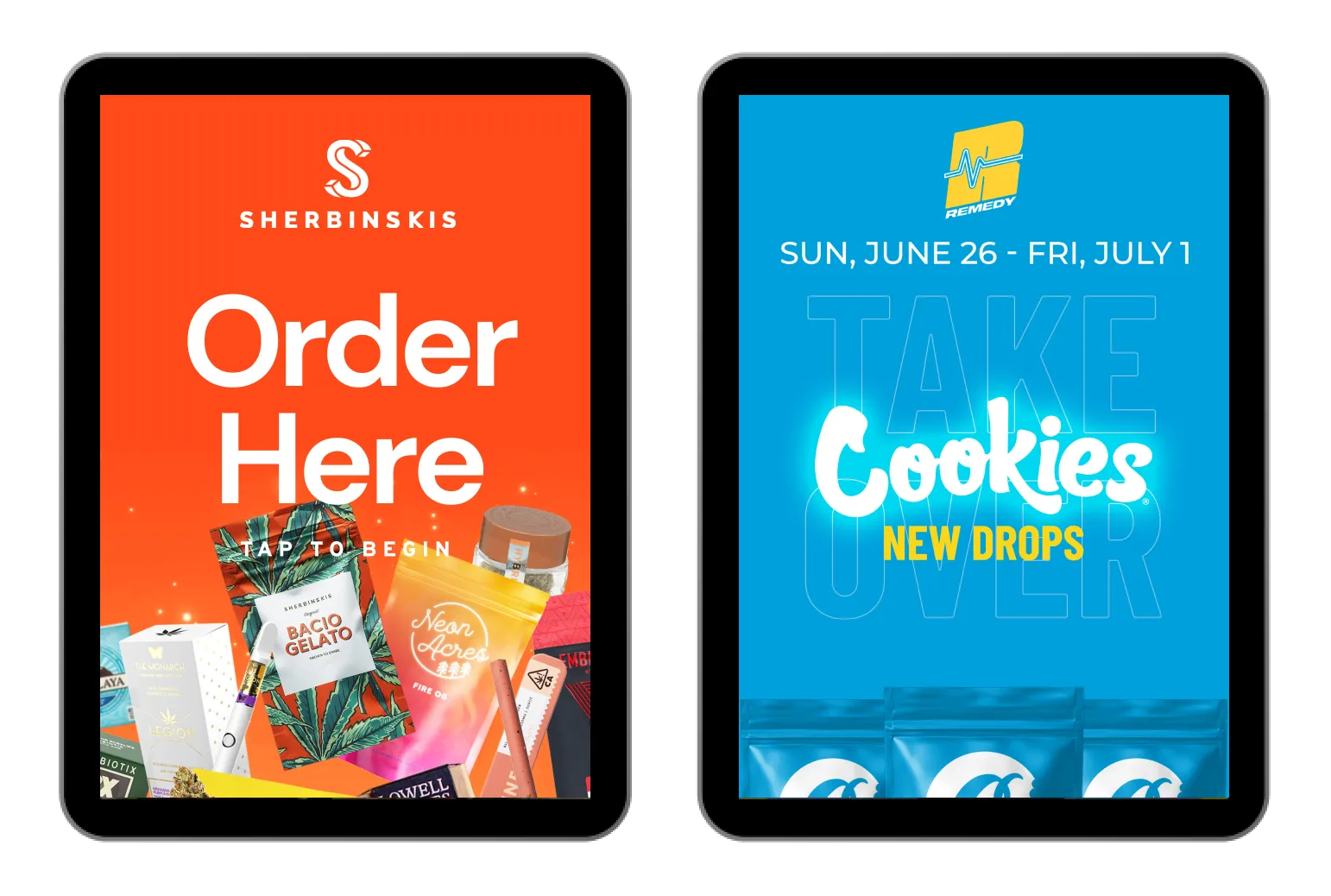
The home screen is yours: promote your brands, your deals, your loyalty program. Point shoppers wherever the margin lives.
.png?width=1099&height=1429&name=order-complete%20(1).png)
Staff the rush without hiring for it
Kiosks absorb the orders that never needed a human, so a Tuesday crew can survive a Friday line. Your budtenders spend their time where it sells.
Dispensaries with self service kiosks report:
Decreased Time Per Transaction
Increased Cart Sizes and Sales of Featured Products
Customer Satisfaction of the Modern Experience
Reduction of Average Staffing Costs
Only in stock, only correct
Kiosks read straight from your POS — including Dutchie — so shoppers only see what you can actually sell, at the price the register will charge. Nobody orders a ghost.
“Happy Valley has reported up to 26% larger order sizes on Seed Self Service, compared to traditional sales.”
— Frequently Asked Questions
Learn more about Seed Touch:
How are menus populated on dispensary kiosks?
Just like Seed TV Menu, your kiosks automatically populate with actual in-stock inventory due to our API integrations. We currently integrate with all major cannabis POS and ecommerce companies, and always display the correct price, size, and information.
How much does a dispensary kiosk cost?
Hardware is a one-time buy (a supported tablet plus a stand), and software is monthly — Seed prices per location, not per screen. We broke down the real numbers, pricing models, and replacement cycles in our dispensary kiosk cost guide.
How fast is checkout on a Seed kiosk?
First name, last name, phone number — that's the whole checkout, not sixteen form fields. Loyalty sign-up is a single pre-checked box, returning shoppers aren't asked twice, and the order lands in your POS under the right customer.
Will the kiosk say Seed on it?
No. Seed Touch is fully white-label: your logo, your colors, your fonts, your category names. Most shoppers assume the store built it.
What hardware do I need for Seed Touch self service?
Tablets, iPads, and larger touchscreens all run Seed Touch. Mount them on a wall, stand them on the floor, or set them on a counter.
Seed runs on the hardware that fits your floor. See the specifics on our Hardware page.
Can I show daily deals or promos on my tablets, kiosks, or touchscreens?
You sure can — deals are what screens do best. Put tonight's special where every shopper reads it, and let placement do the selling.
Why would I use Seed Touch in my store?
Because shoppers already self-serve everywhere else — dispensary shopping shouldn't be the exception.
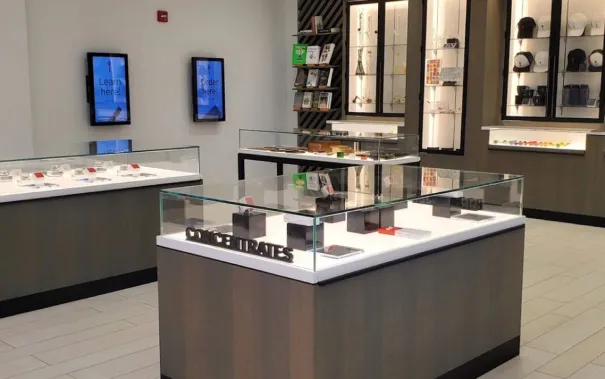
Regulars get an express lane: order from the lobby, skip the small talk, out in minutes. Newcomers get to browse — sort, filter, and read at their own pace, which matters in a store where the products live behind glass.
Run it as true self-service or budtender-assisted. Either way, you serve more shoppers per hour without staffing for it.
Will self service replace budtenders?
Only if you want. We have customers who use self-service as the primary ordering channel in-store, then prioritize staff on fulfillment and back-office tasks.
Other stores have self service as a convenience for shoppers, especially during busy times to keep the line moving quicker.
Your workflows are up to you, but you can decrease some staff expense without sacrificing service by enabling self service.
GET STARTED
Give your line a second lane.
Book a demo with your busiest hour in mind — we'll show you exactly where a kiosk fits in your store.