
Dispensary TV Menu Signage
Menus that update themselves. Campaigns that launch in minutes. No designer, no IT, no retyping.
Seed Signage is the cannabis industry's leading in-store marketing platform — POS-integrated menus with built-in
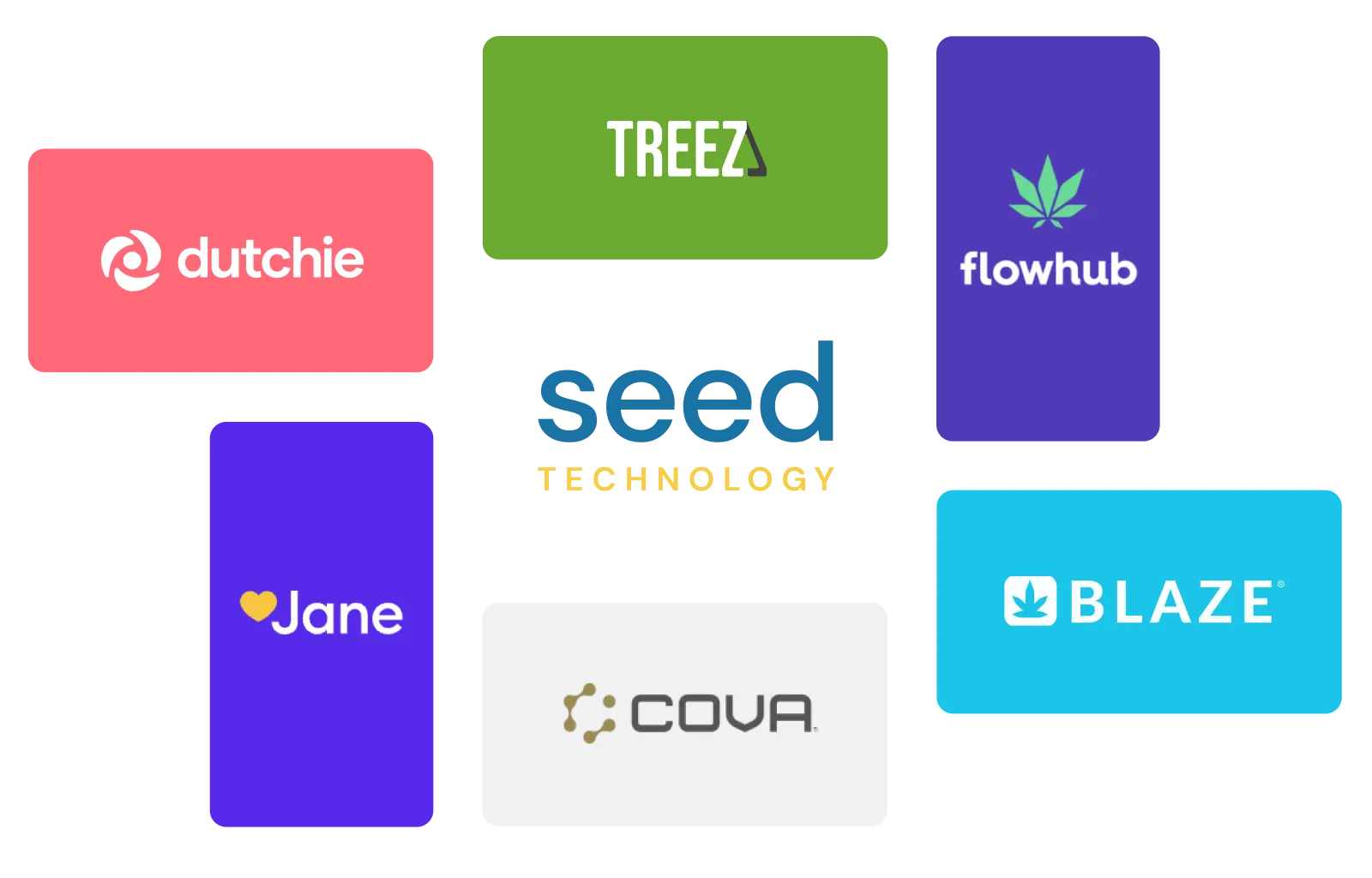
campaign tools and media management, live in 950+ storefronts on Treez, Blaze, Dutchie, Flowhub, COVA, and more.
Seed Signage is featured on thousands of dispensary TVs across the country
See the layouts first: the Seed Signage Lookbook is real menus from real stores, by the job they do. Deals from your POS to the wall: how specials sync.























Never sell what you don't have
Ask any budtender about the moment a shopper points at the menu and the product sold out an hour ago. Seed menus read from your POS, so sold-out items drop off on their own and prices always match the register. If it's on the screen, it's on the shelf.
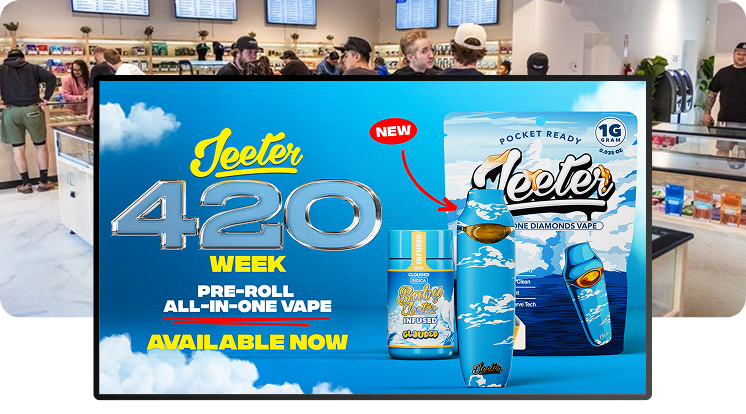
Promo Media Management Built for Cannabis Retail
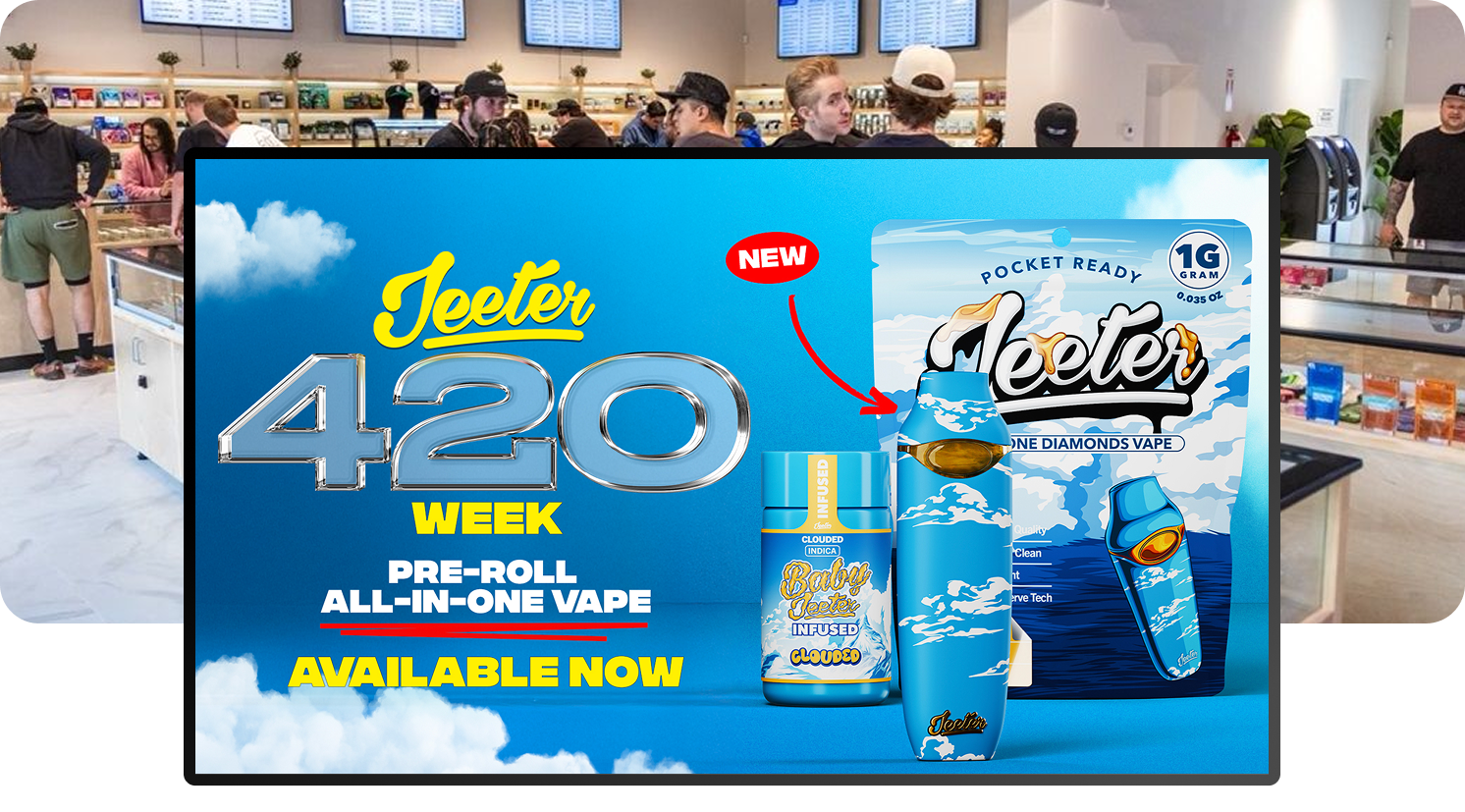
If someone on your team rebuilds menu graphics every morning, your signage is costing you payroll. Seed's media management tools let you drop in your own images and video, build layouts, and organize playlists in-house — then launch new menus or promotions across every screen in minutes, no designer required.

Digital Signage That Prioritizes Your High-Margin Brands
Guide shoppers toward your house brands and in-house promotions with Seed's campaign tools. Build layouts that prioritize the products with the best margin, launch a campaign for a new product drop or holiday promo, and even charge vendor slotting fees, so your menus can pay for themselves.
.png?width=1771&height=1026)
In-store marketing with proven ROI
Your menu is prime ad space. Seed keeps campaigns and messaging consistent across every screen in every store — working on shoppers at the exact moment they're deciding what to buy.
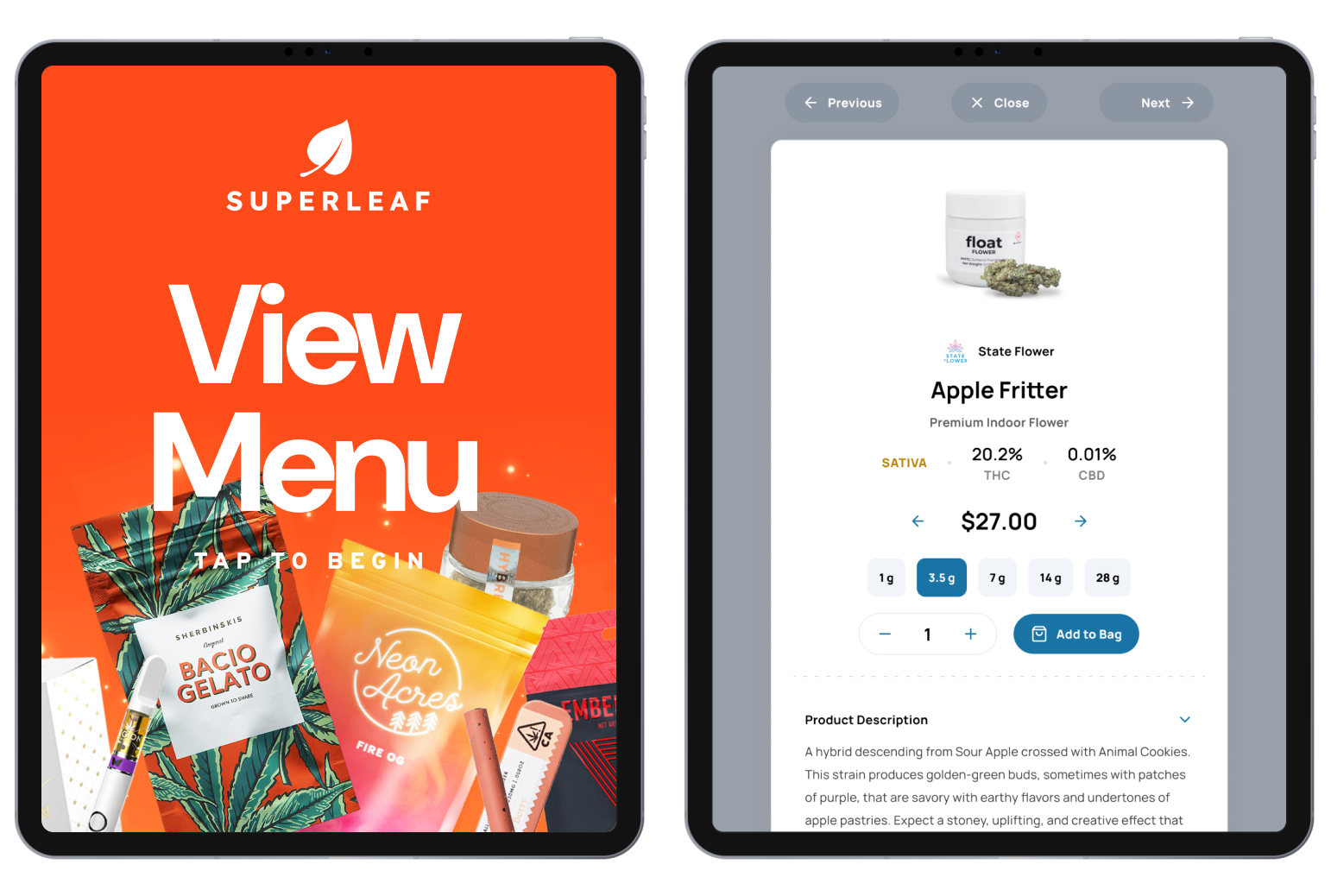
Dispensary Queue Board: Cut Wait Times, Not Staff
A lobby that runs like the DMV — names called out over the counter, everyone guarding their place in line — pushes customers out the door before they buy. Seed TV Queue shows shoppers when they're next up or their order is ready, so they browse the store instead of holding a spot. Fewer bottlenecks at the counter, no added headcount.
Specials and Pricing Sync Automatically From Your POS
Manually updating specials across every screen eats staff time and creates errors. Seed integrates directly with the cannabis industry's top POS and eCommerce platforms, including Treez, Blaze, Dutchie, LeafLogix, COVA, Flowhub, Meadow, Weave, MJ Freeway, and IndicaOnline, so deals, pricing, and inventory sync to your menus automatically, no manual entry required.
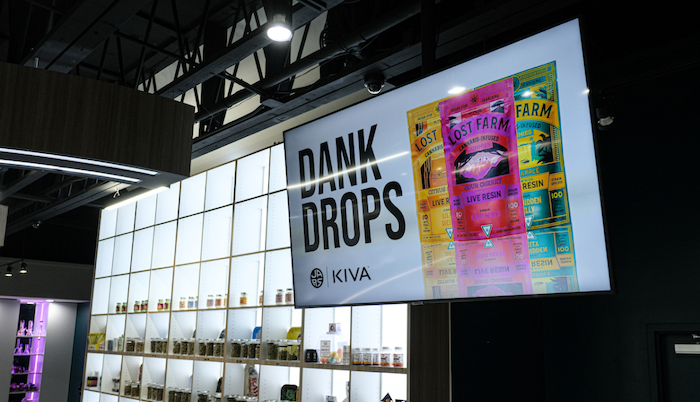
“Seed provided for us what everybody else couldn't ... a way to access the stores simply, easily, and in real time to populate campaigns.”
— Frequently Asked Questions
Learn more about Seed Signage:
How are the TV menus populated?
Seed integrates with your POS system to automatically populate your TV menus with actual in-stock inventory and prices (including specials).
We have API integrations with all the major cannabis POS and ecommerce companies to make sure your menus are always accurate.
Changes sync in minutes, not hours — about ten by default, faster where you need it. We'd rather tell you the real number than claim "instant."
Do I have to go into the store to update my TVs?
Nope. Seed Manager runs in the cloud. Log in from anywhere, update menus or media, preview everything before you publish, then pair the playlist with any TV at any store. The wall catches up on its own.
What hardware do I need for Seed TV menus?
Your dispensary TV menus display on a TV screen, powered by Apple TV. You can use existing TVs/Apple TVs if you have them.
Visit our Hardware page for more information.
What happens if my internet goes down?
Your screens keep playing. Menus are cached on the device, so a dropped connection or a POS outage doesn't turn your walls dark. When the connection comes back, everything re-syncs on its own.
Can I show daily deals or promos on my TVs?
You sure can — deals are what screens do best. Put tonight's special where every shopper reads it, and let placement do the selling.
How long should my menu loop run?
Two to five minutes. The average dispensary visit gives you five to seven minutes of attention, so a short loop means shoppers see your message more than once per visit.
And resist cramming 50 deals onto one screen — nobody reads any of them. Our team will help you trim each screen down to what actually moves product.
Can I run promo campaigns and product launches on my TVs?
Yes. Seed's campaign tools let you build and schedule promotions, from a single daily deal to a full product launch or holiday campaign, and push them to every screen at every location on your own timeline.
What is the pricing for Seed Signage?
Seed prices per location, not per screen. You get unlimited screens, playlists, and users at every store — adding TVs or opening locations never adds a line item.
GET STARTED
Put your menu on the wall.
Book a demo and we'll build a menu from your live inventory — then show you the campaign tools that sit on top of it.