
SEED SIGNAGE LOOKBOOK
Dispensary TV menu layouts, by the job they do
Every layout here is running in a real store, reading from a real POS. Find the one that fits your wall, and our design team builds it in your brand.
A dispensary TV menu layout is the arrangement of a screen: what it shows, how it is grouped, and what sits beside it. The eight kinds below cover most of what a store needs: deals, brands, categories, curated sets, deli-style pricing, loyalty, the line, and portrait screens. On Seed, every layout reads products, prices, stock, and specials from the POS, so the design stays put and the contents update themselves.
Daily deals · BOGO · seasonal promos · brand promotions
Specials and deals
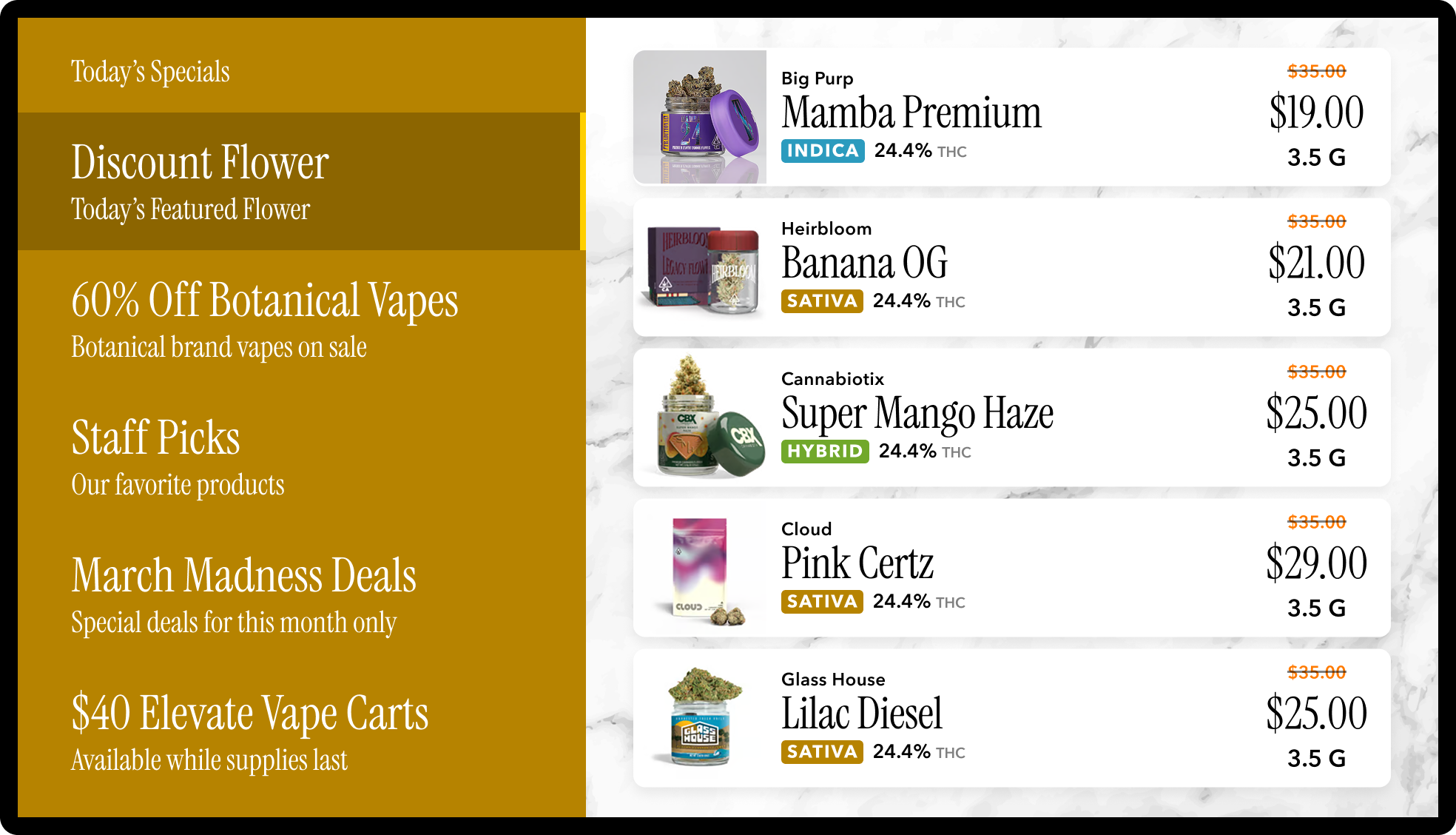
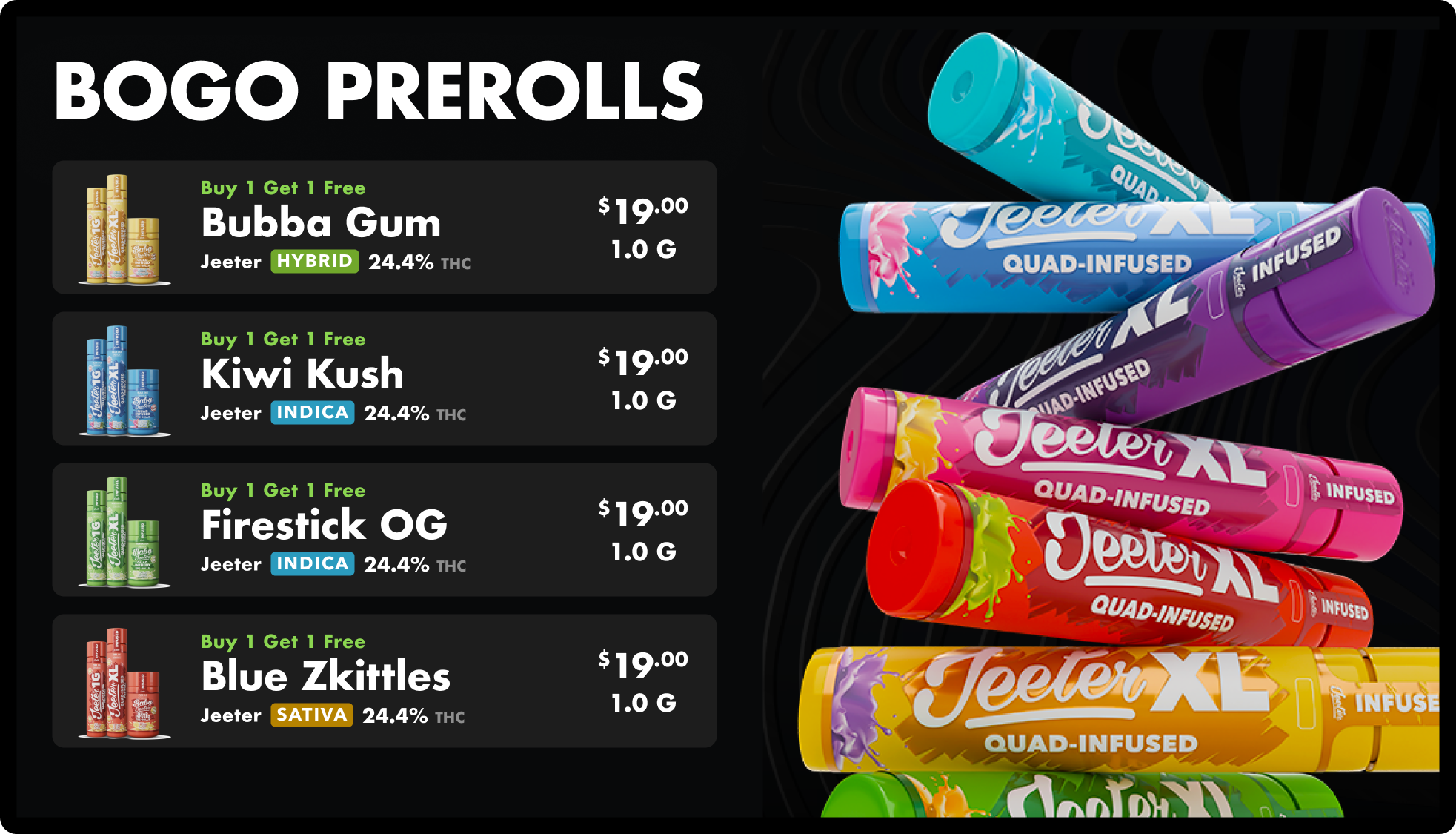
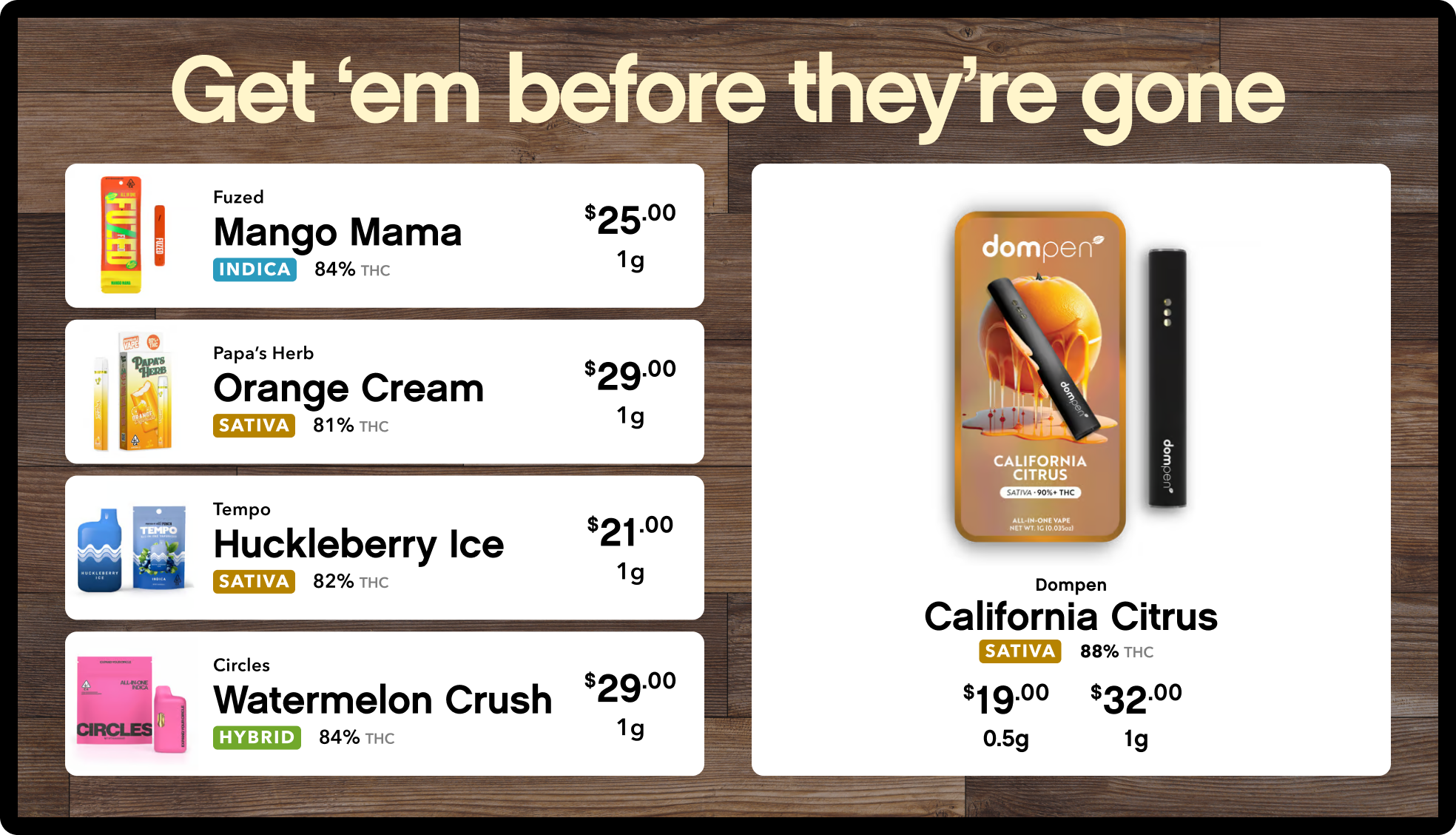
The deal you set in your POS shows up here on its own, strike-through pricing included. A sidebar keeps the full menu up while the offer stays in view; a three-column or four-card layout gives the deal the whole screen.




In-house brands · new brands · partner brands
Brand showcase
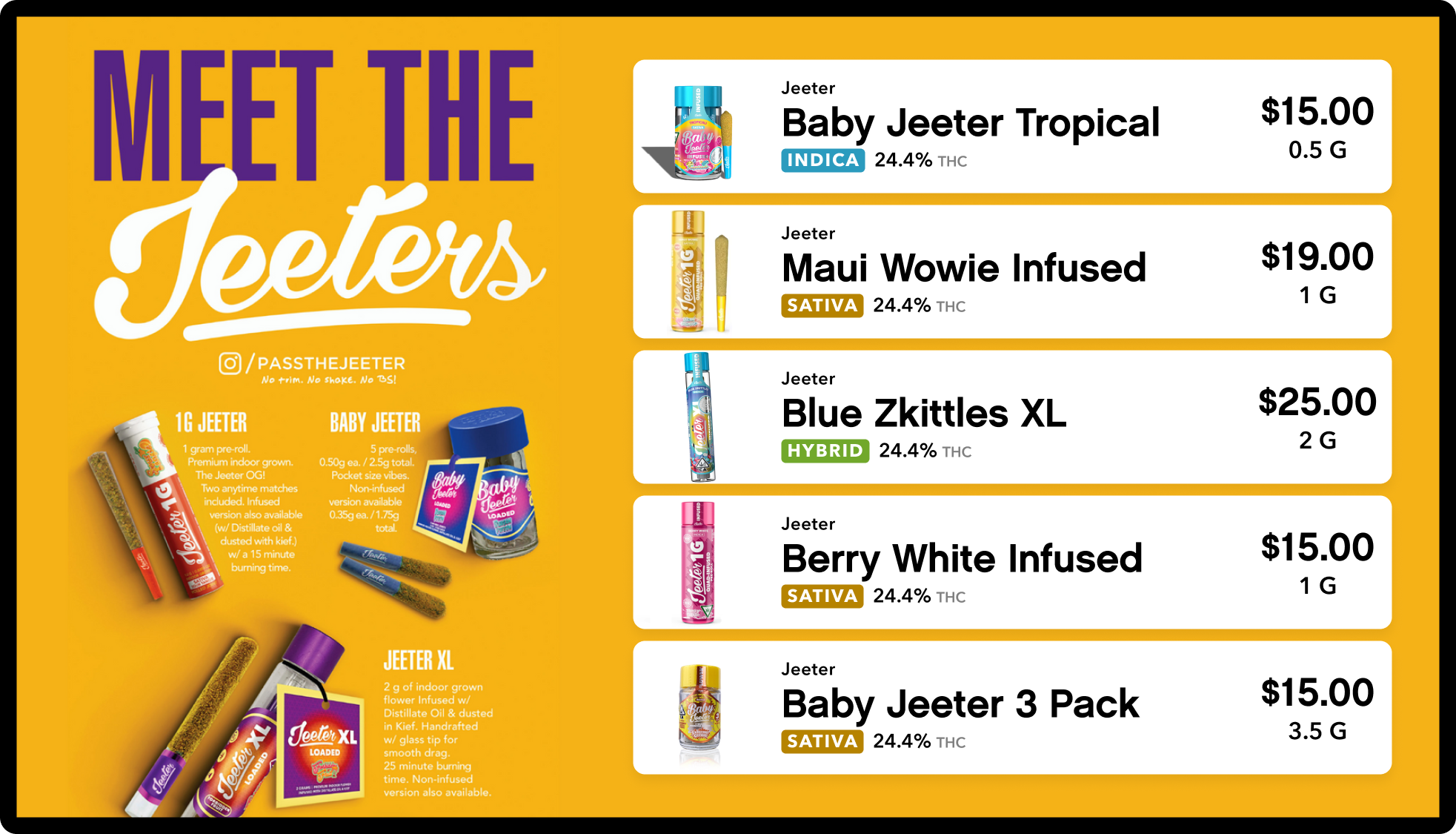
Give one brand the screen: its products, its prices, its imagery, pulled from the POS so the showcase is never out of stock. Good for launches, house brands, and the vendor who is paying for the push.


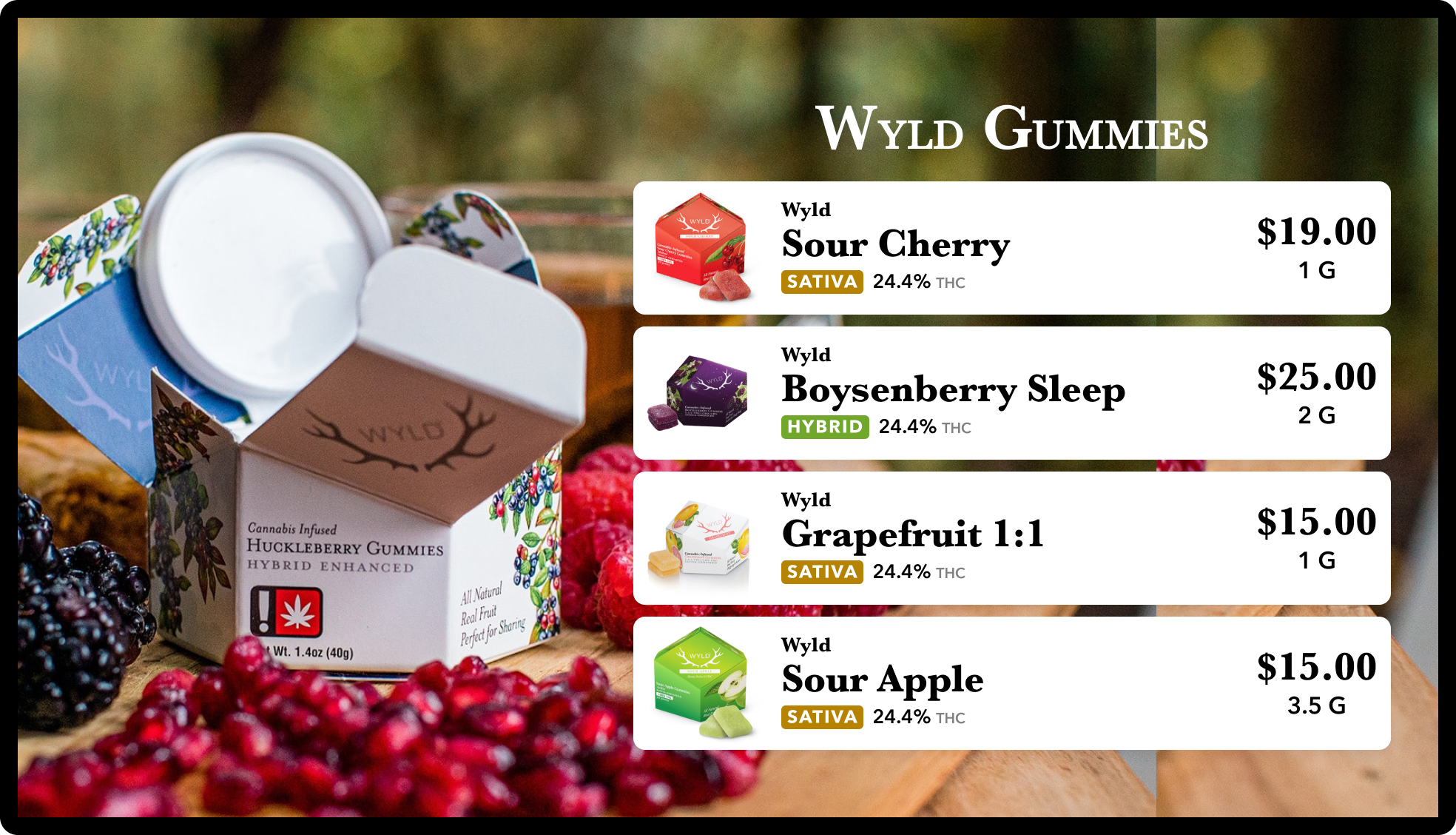
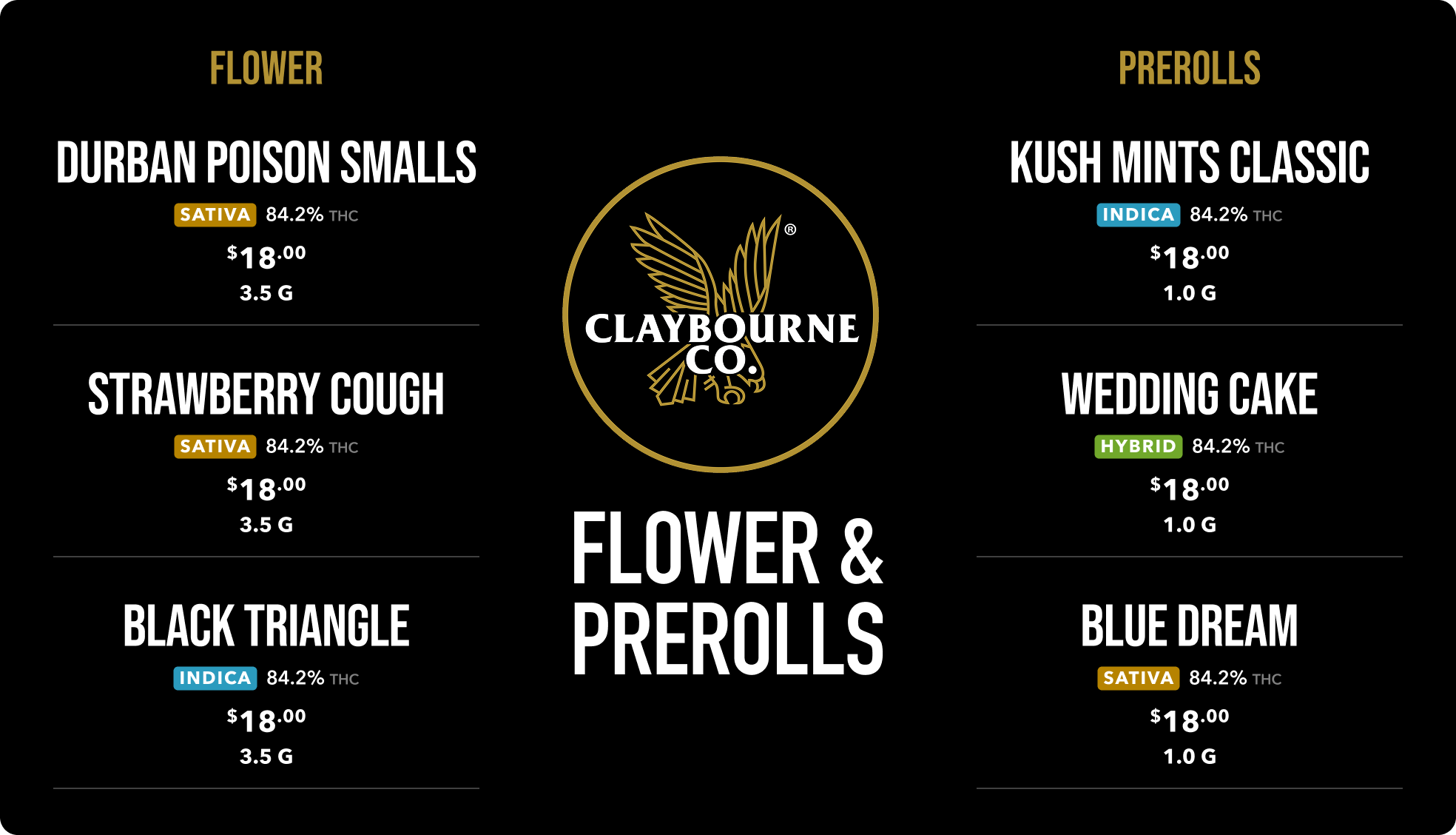
Flower · pre-rolls · vapes · edibles · concentrates · accessories
Categories and subcategories
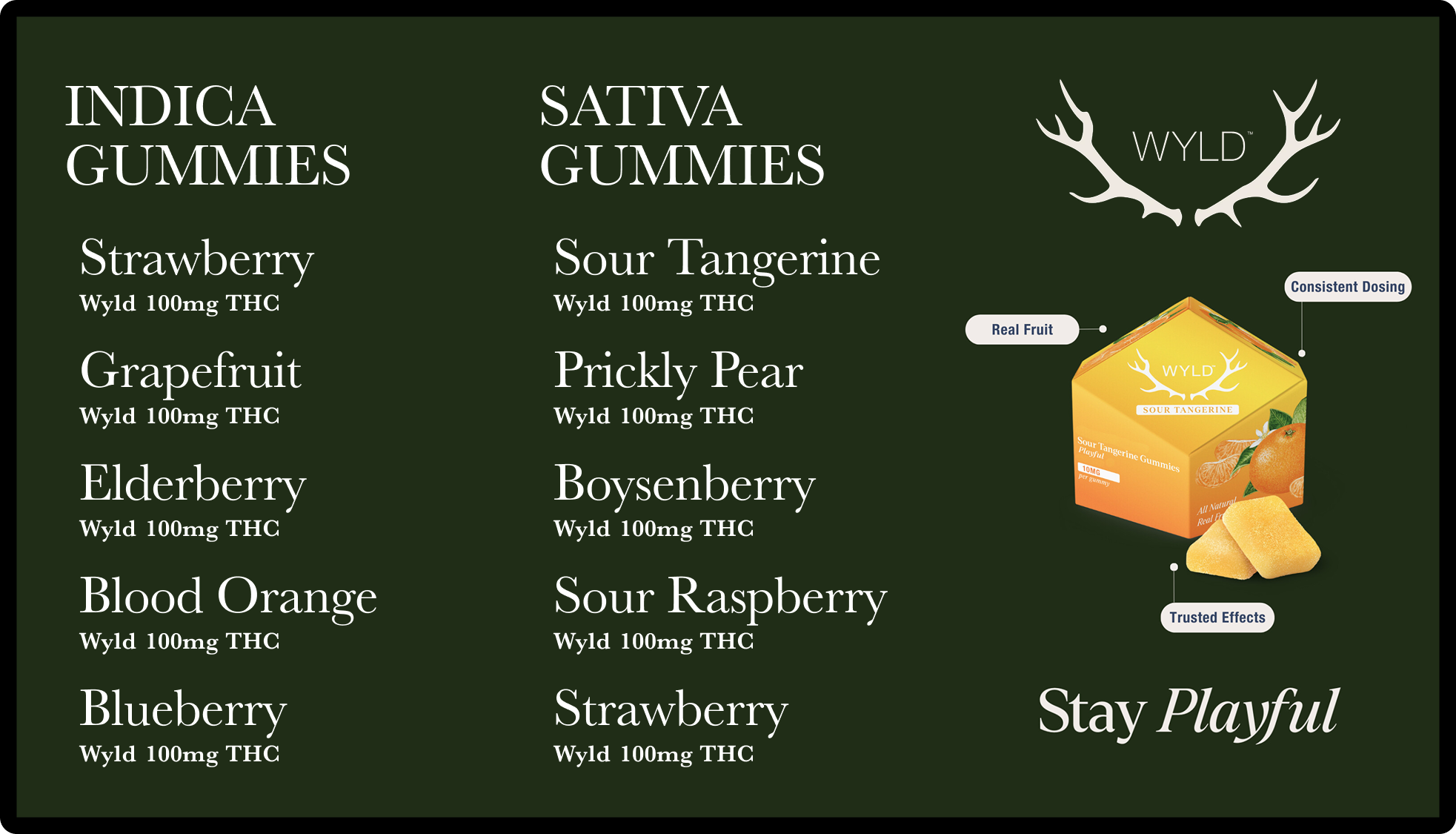
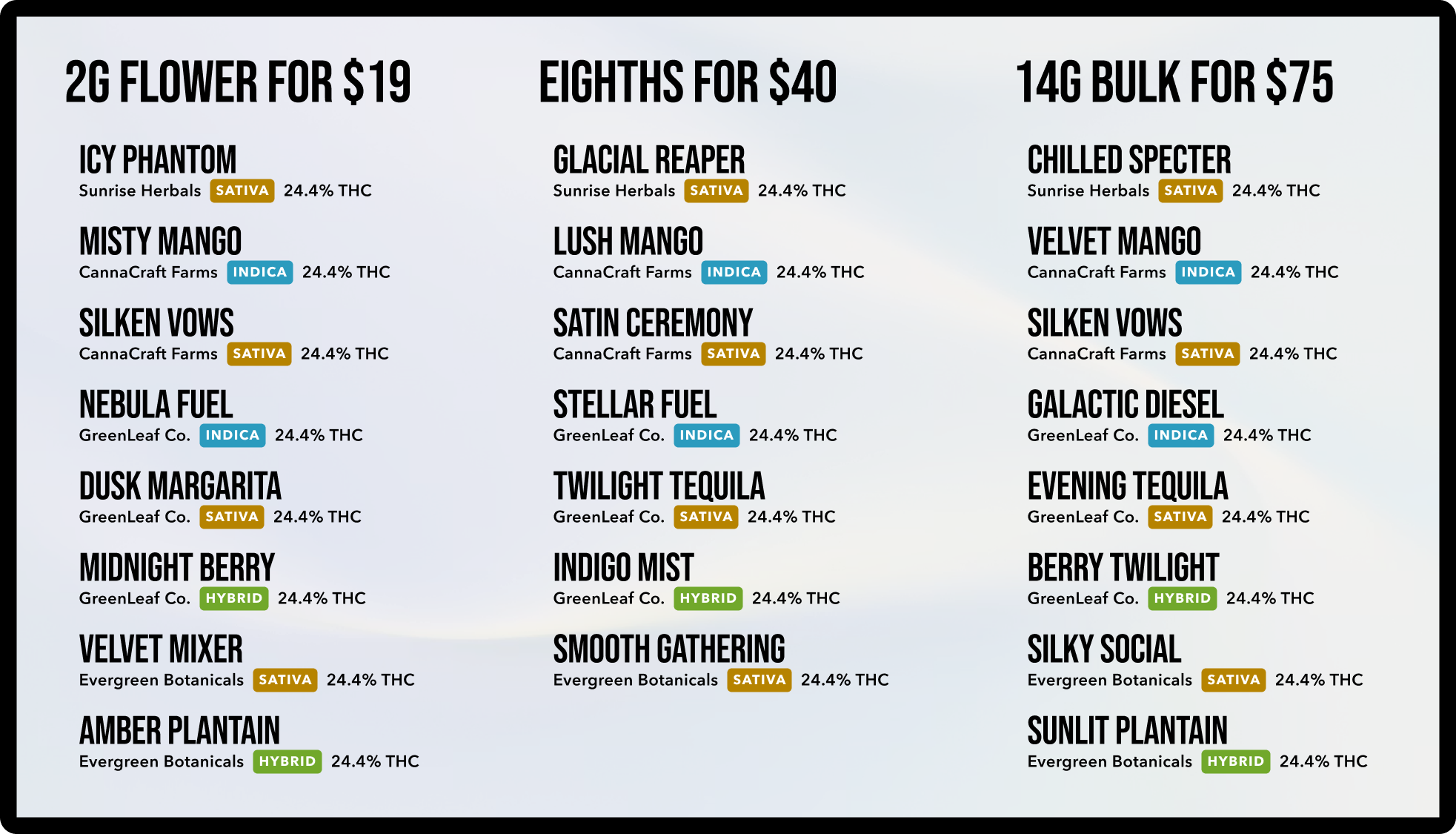
One category per screen, or the whole menu on one wall. Subcategories keep a big edibles list readable: chocolates on one screen, gummies on the next. Sort by brand, price, THC%, or your own order.
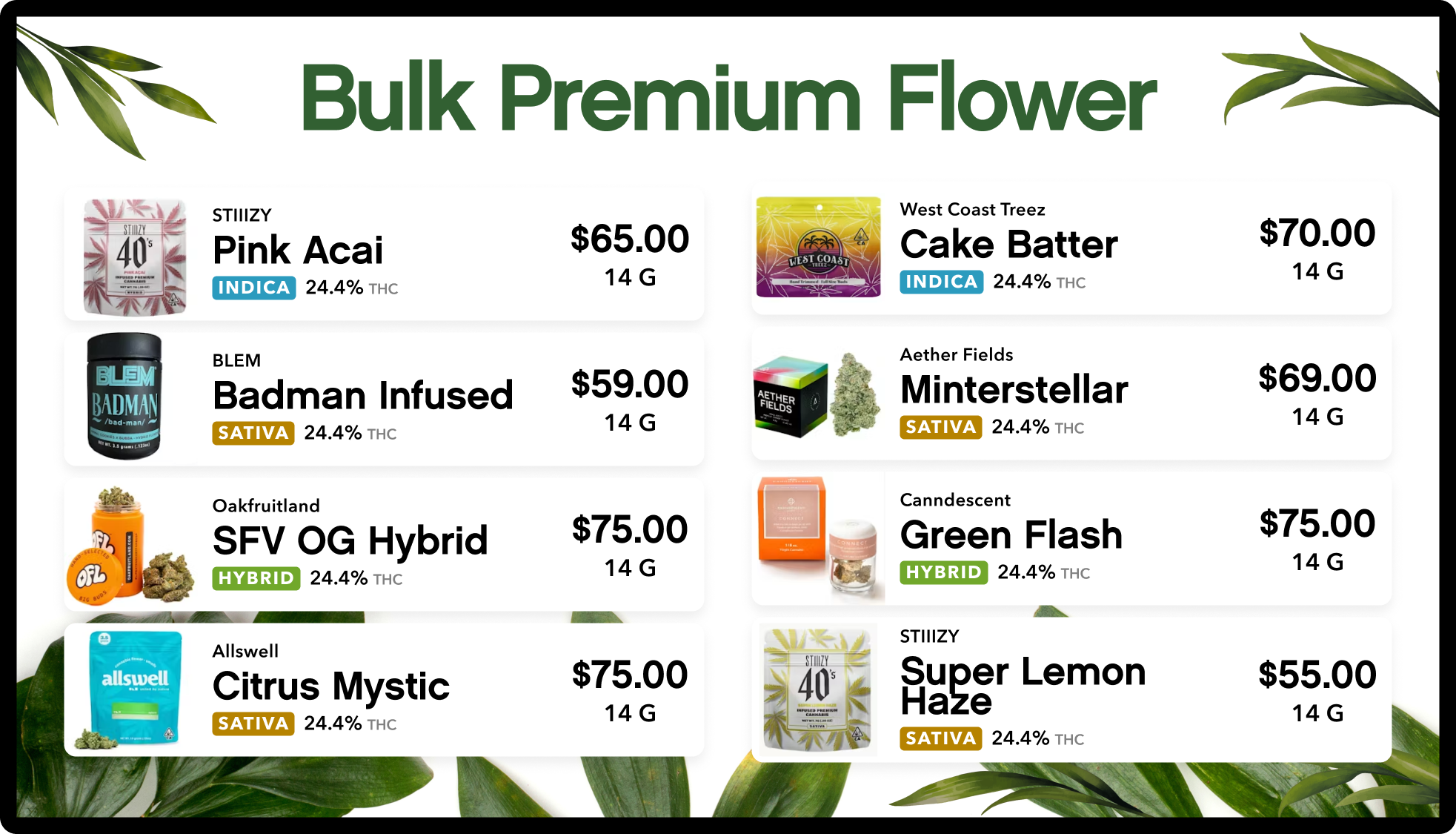
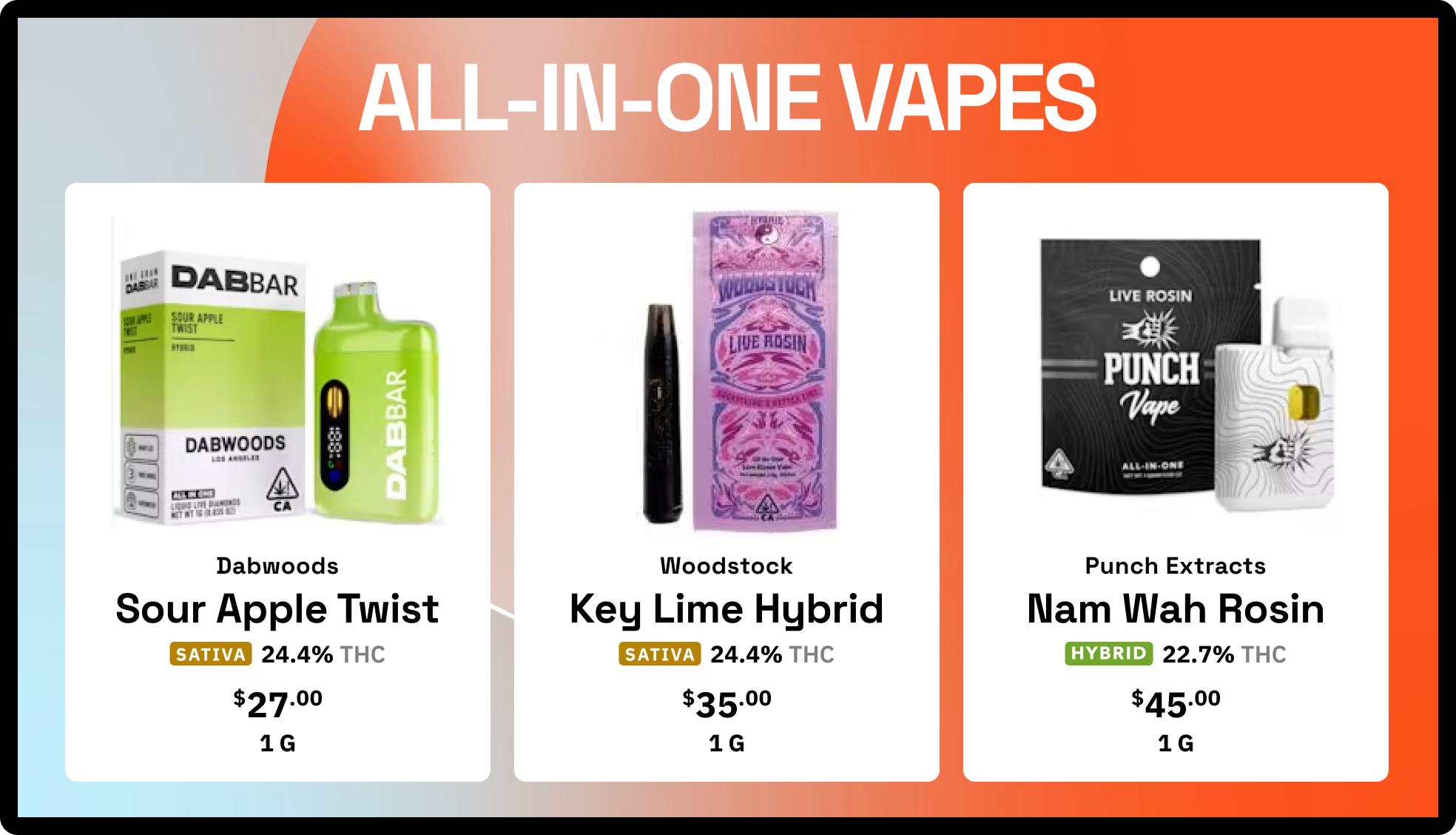
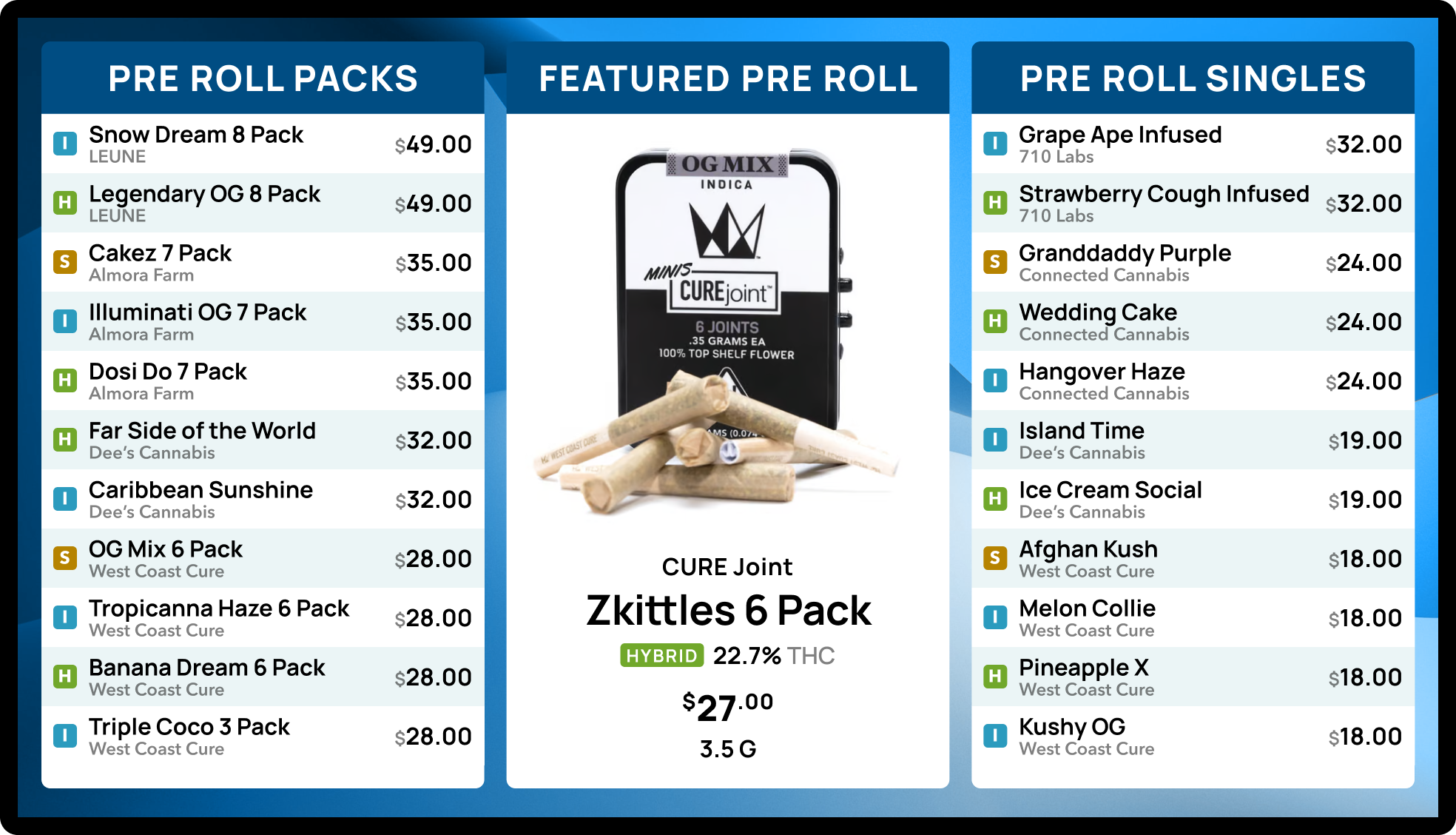
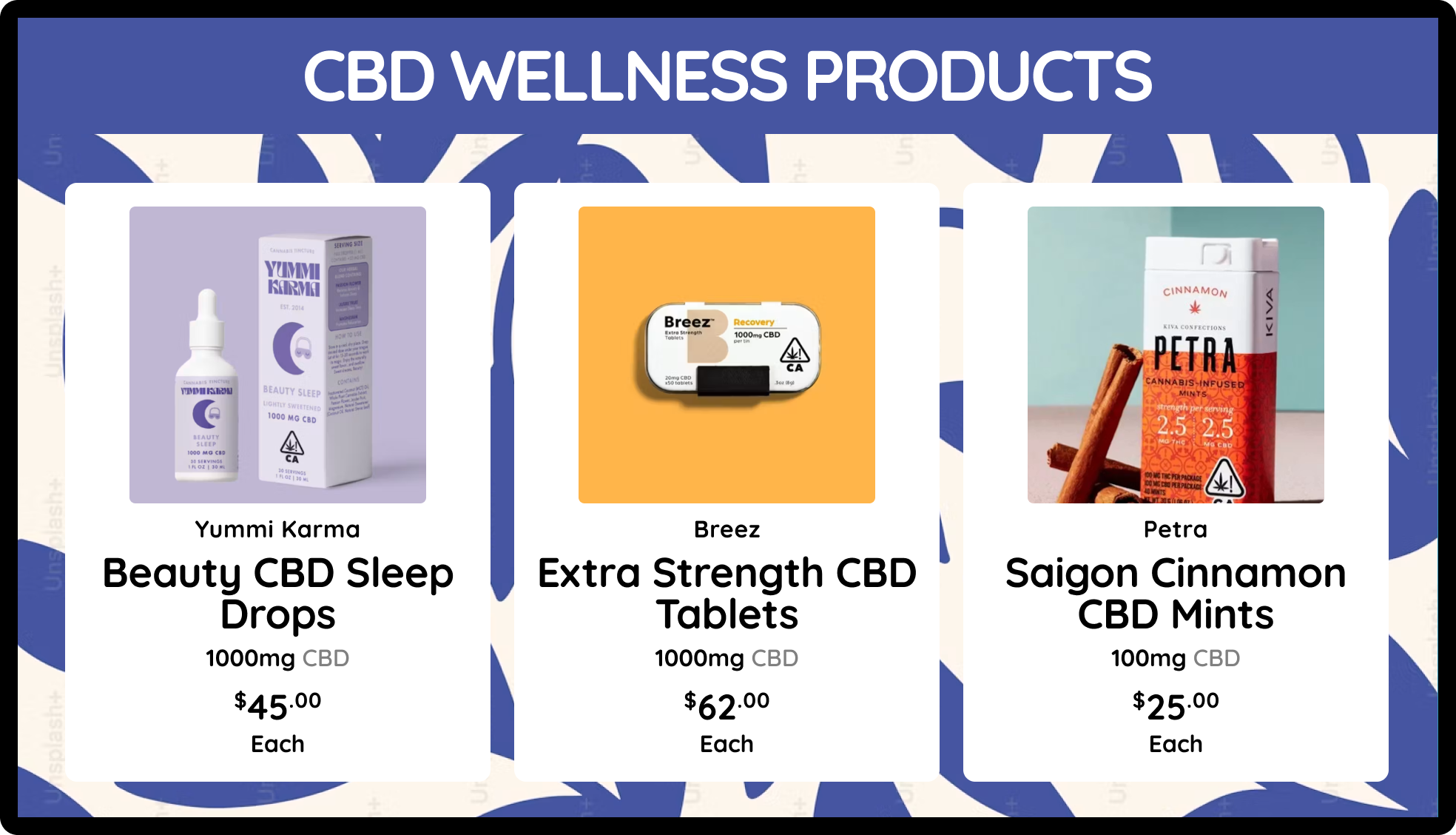
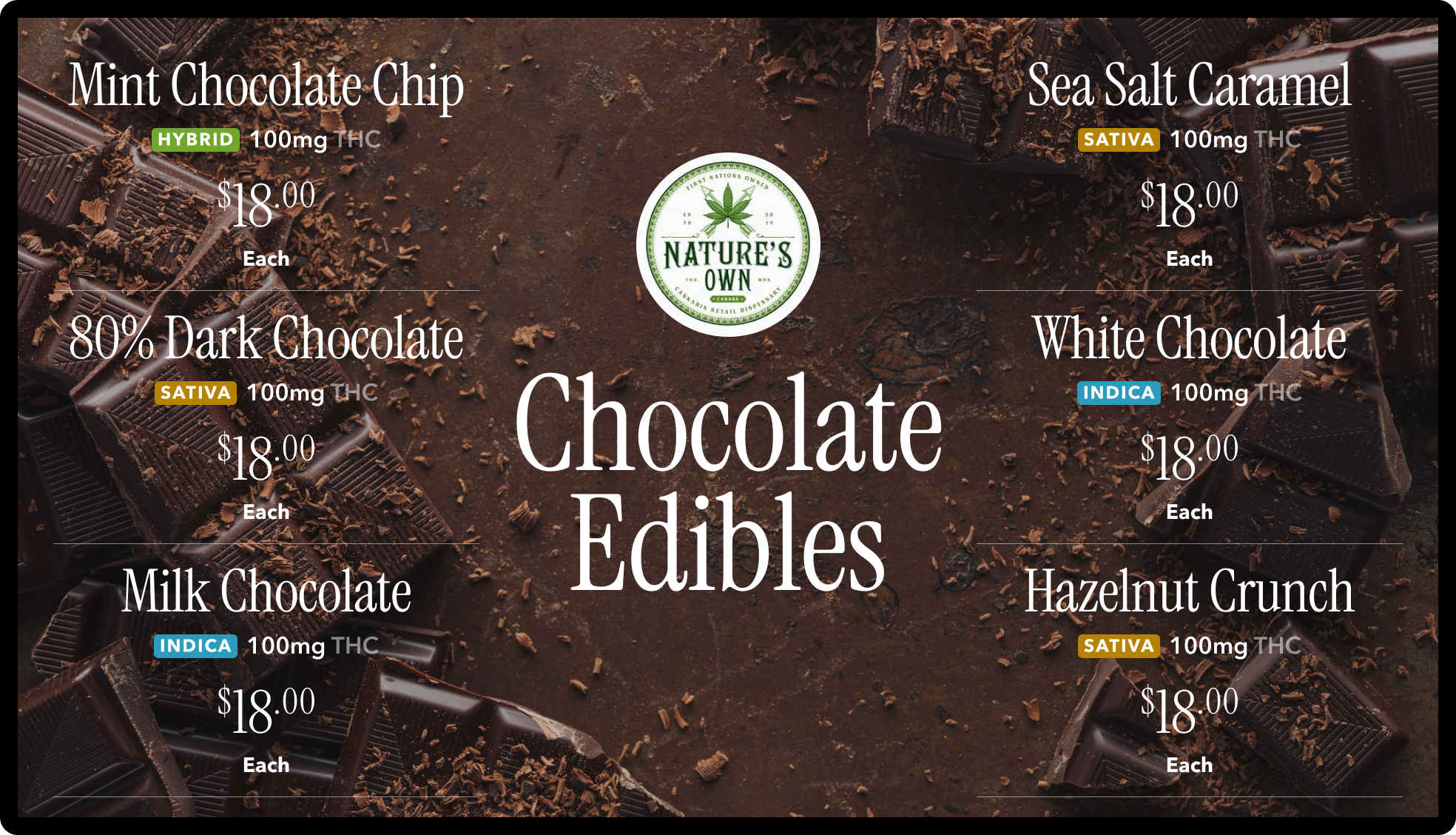
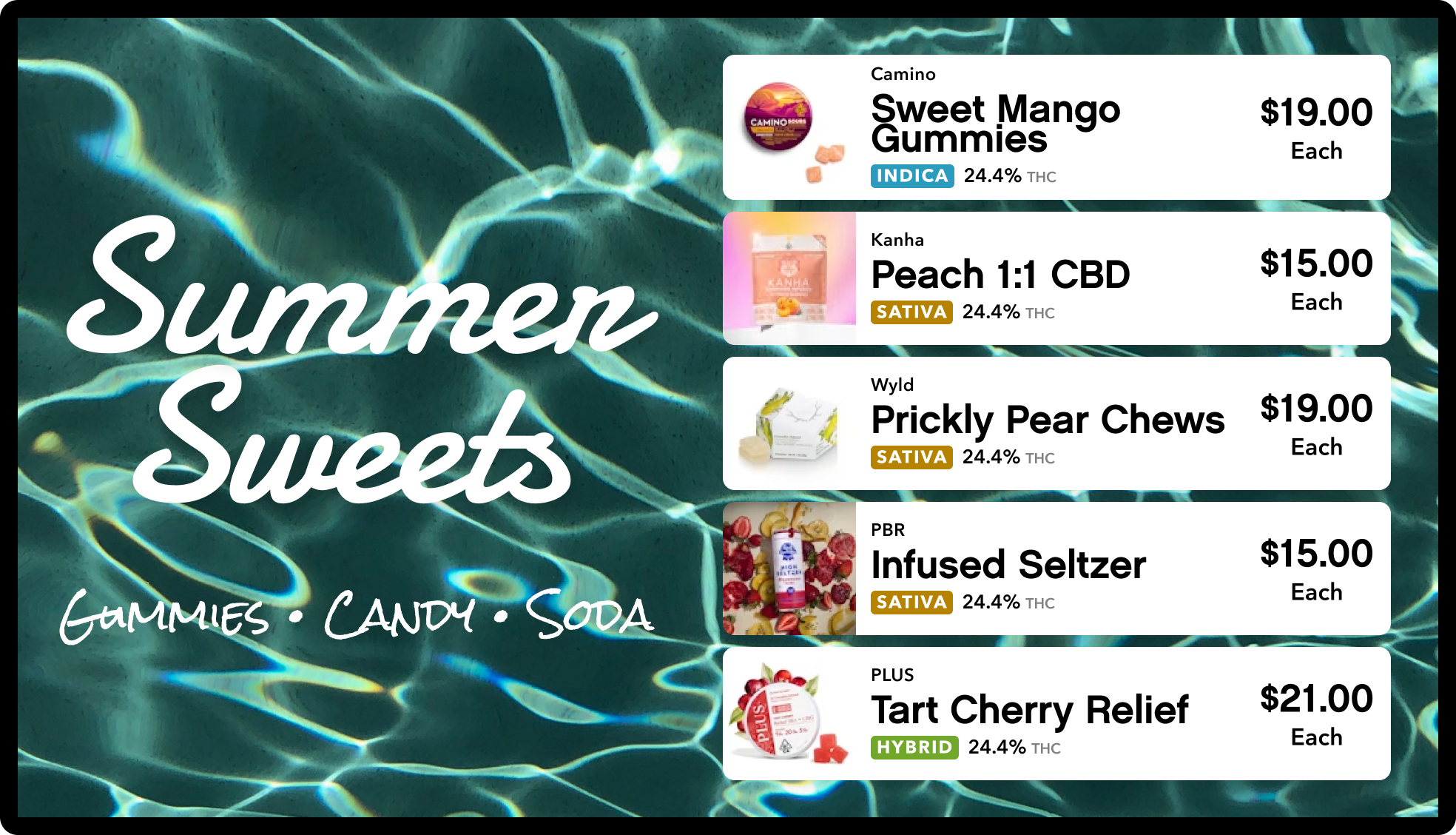
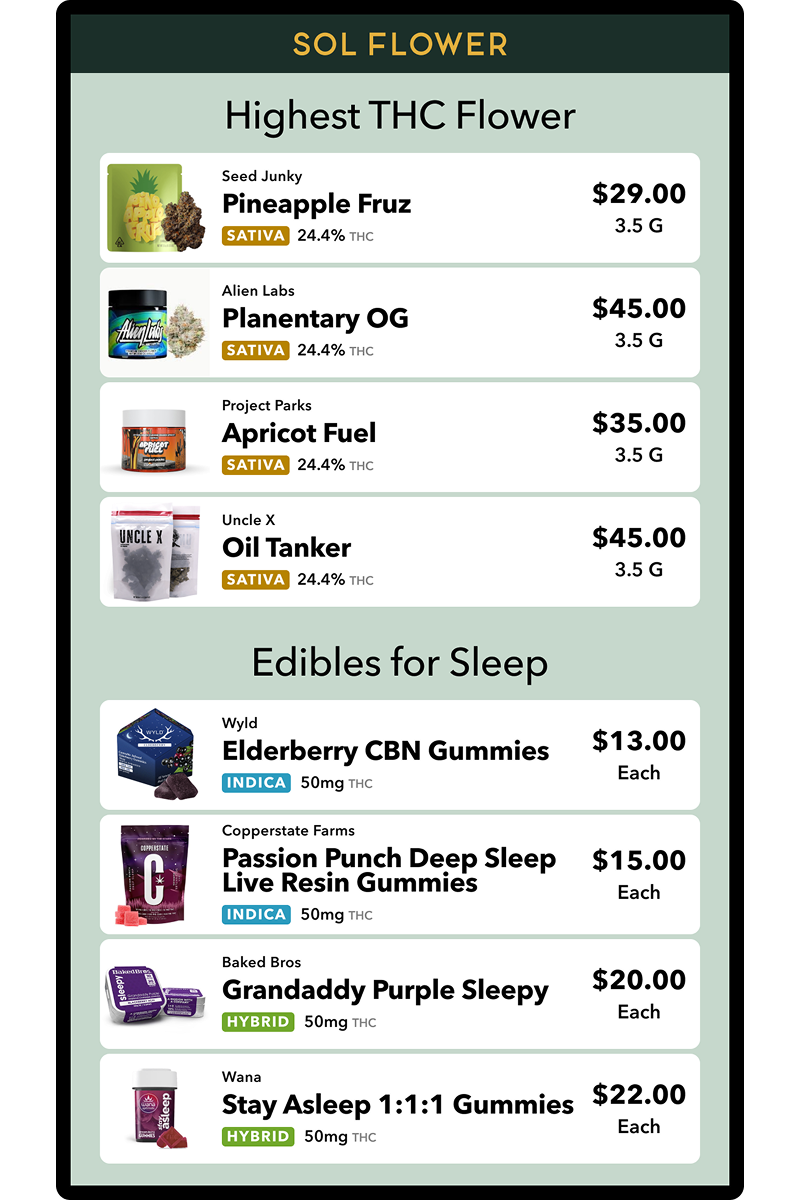
Best sellers · highest THC · staff picks · stale inventory
Custom product sets
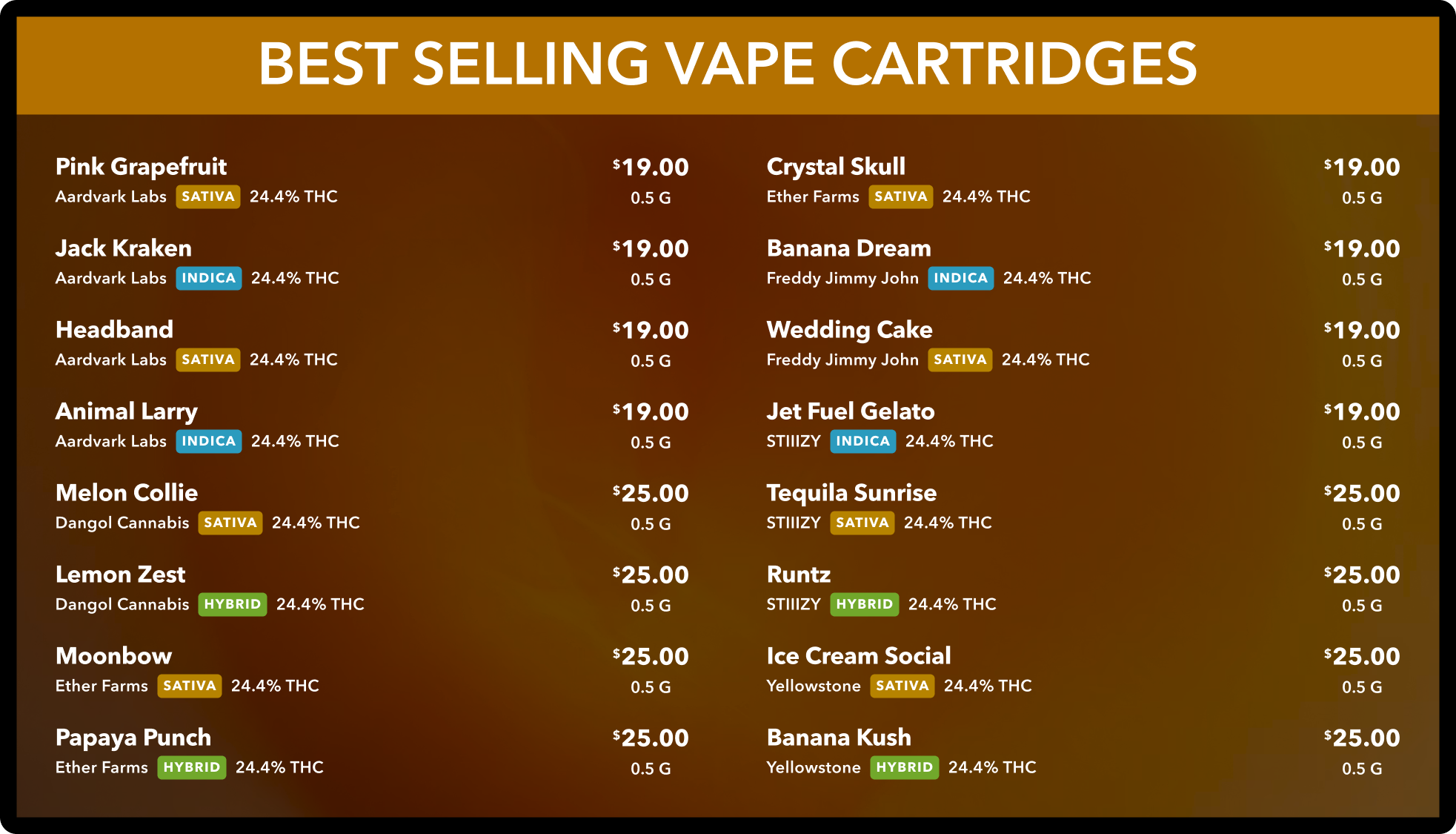
A product set is a filter rule, not a hand-picked list: "top sellers this week," "everything over 30% THC," "sitting in the back room too long." The screen updates itself as the inventory changes.


Multi-weight products · grouped by price · large-inventory stores
Deli-style menus
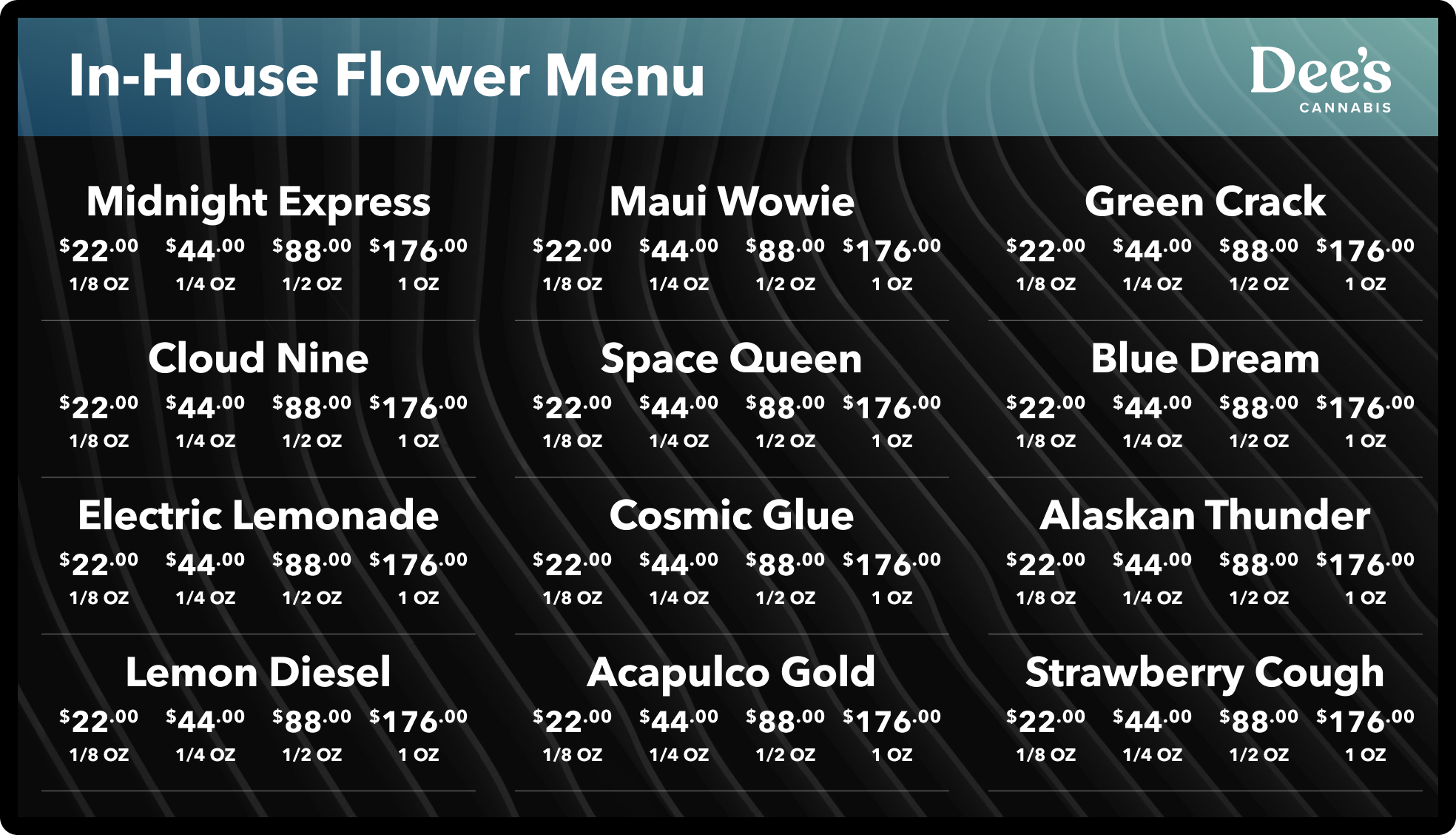
When flower sells by the gram, eighth, quarter, half, and ounce, a deli layout puts every weight and price in one row. Price-in-header and grouped-by-price versions keep a 200-SKU store readable from across the room.
Sign-ups · QR-code screens · image and video playlists
Loyalty and rewards
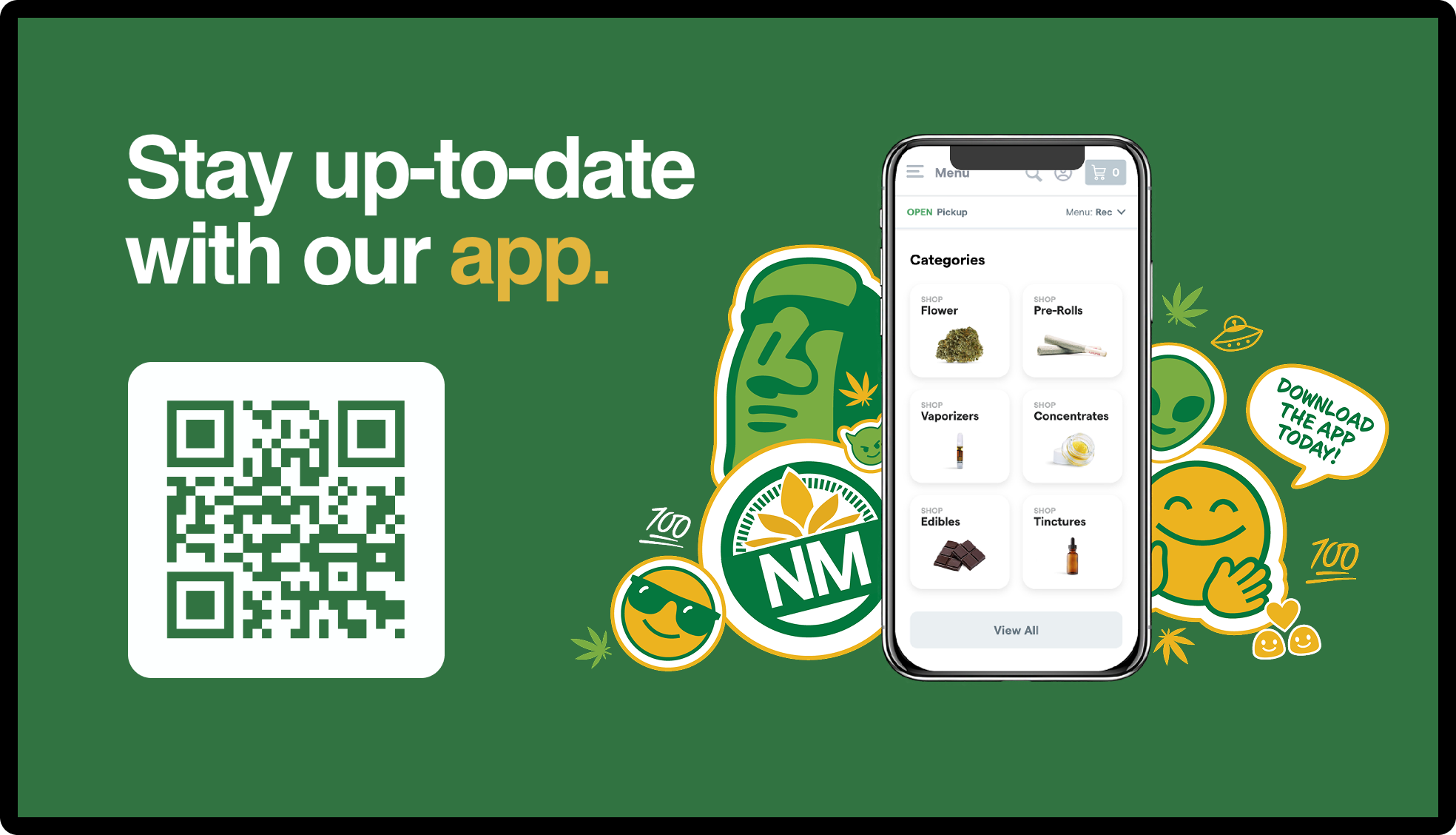
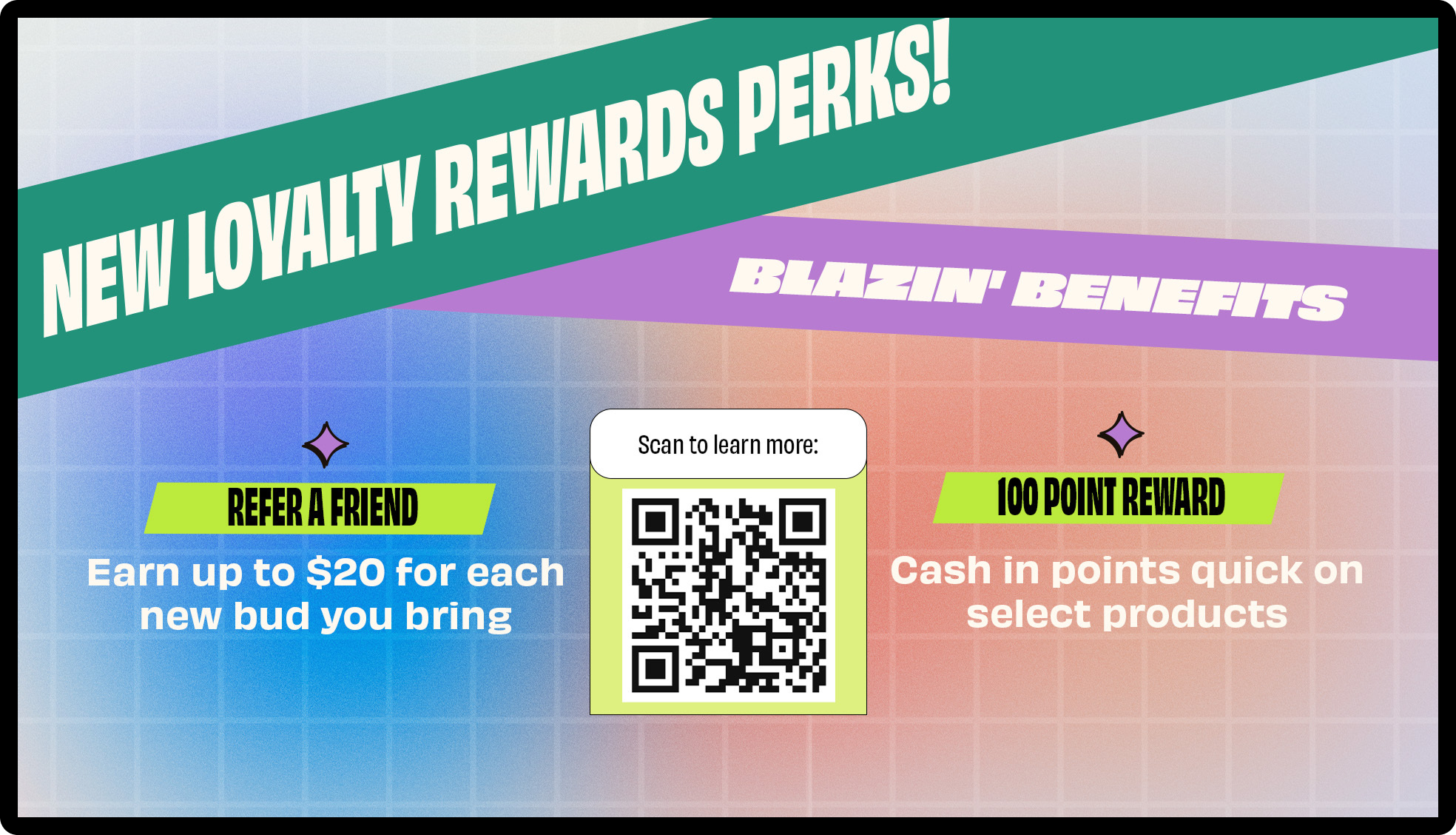
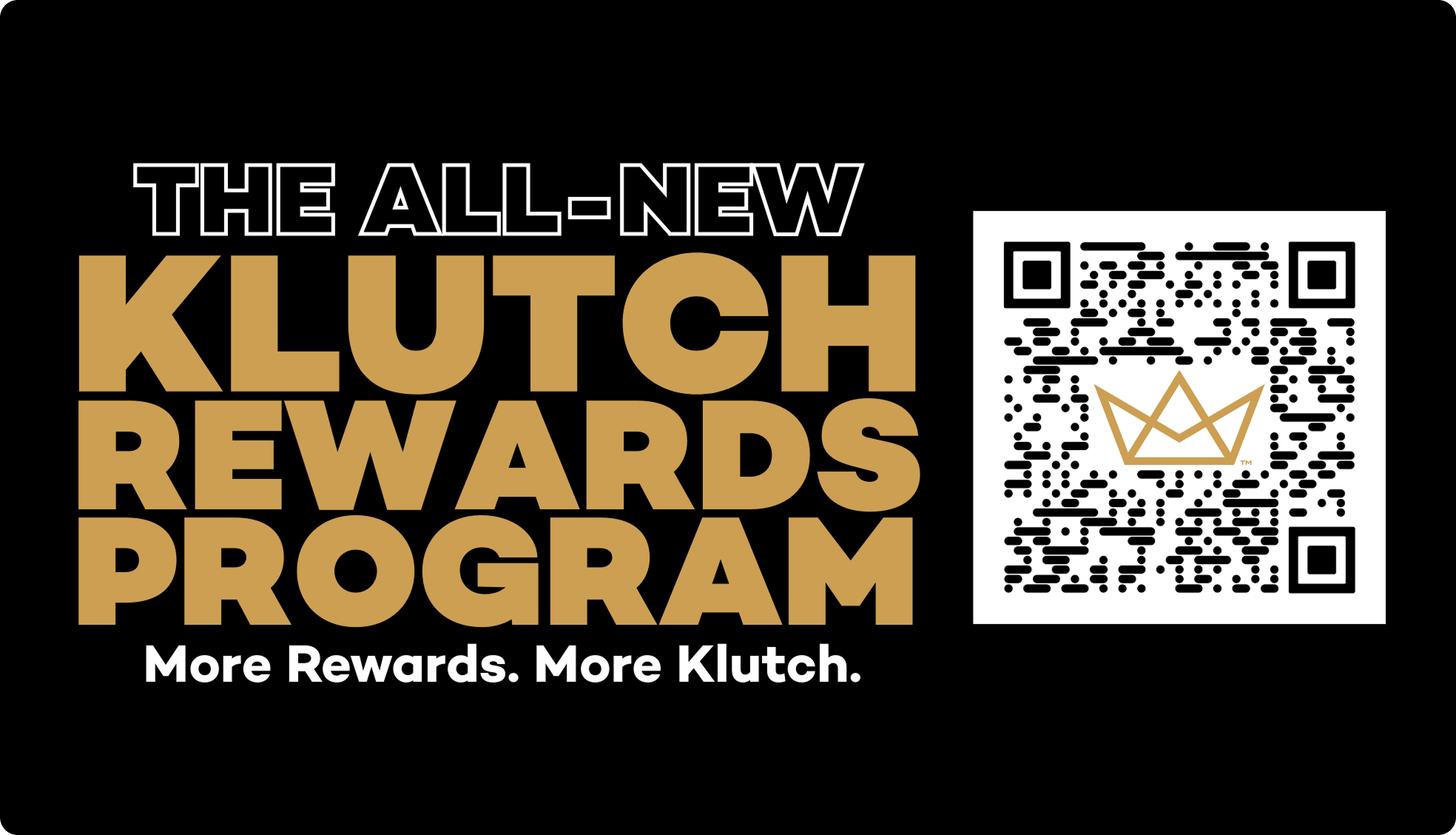
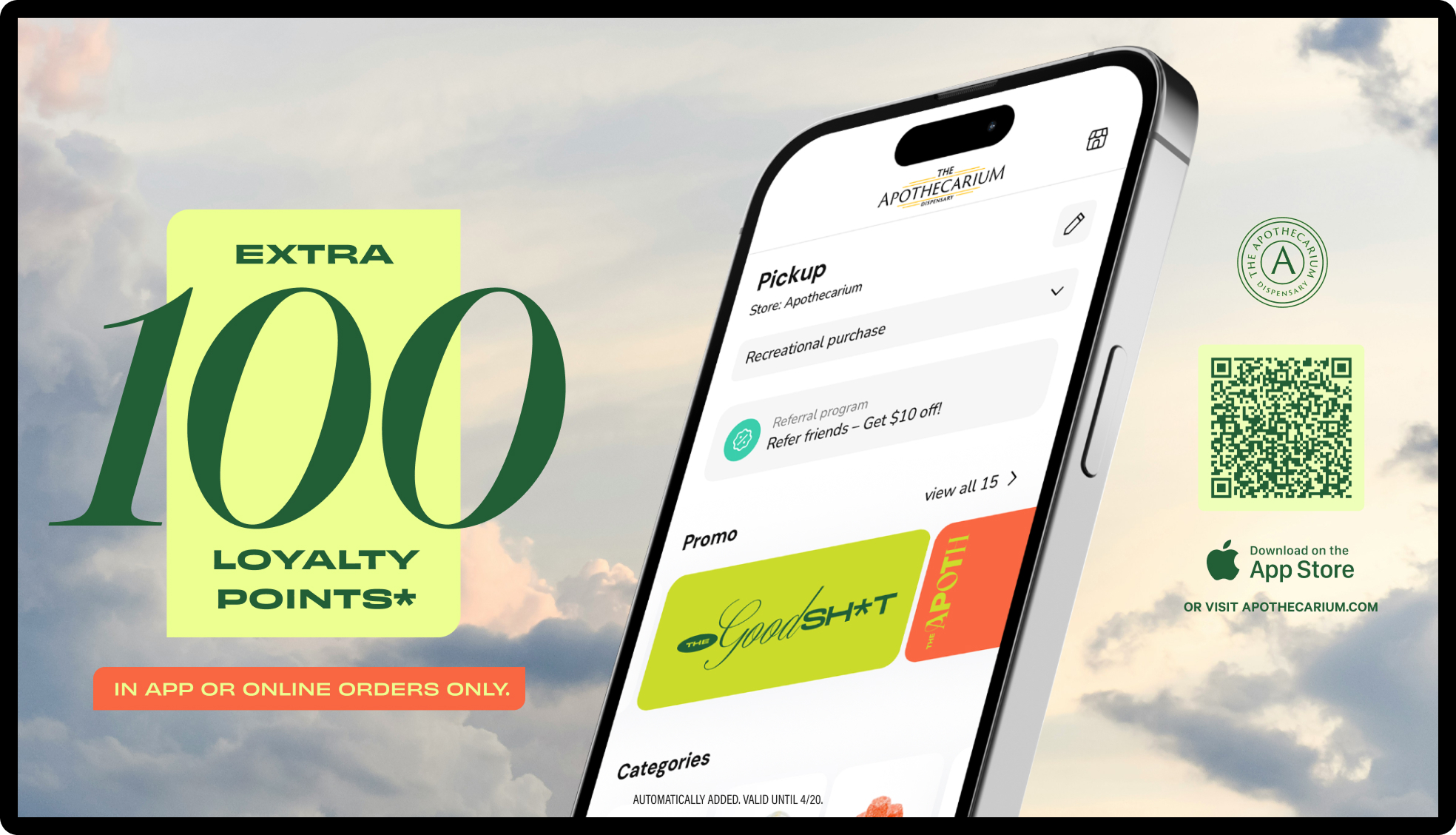
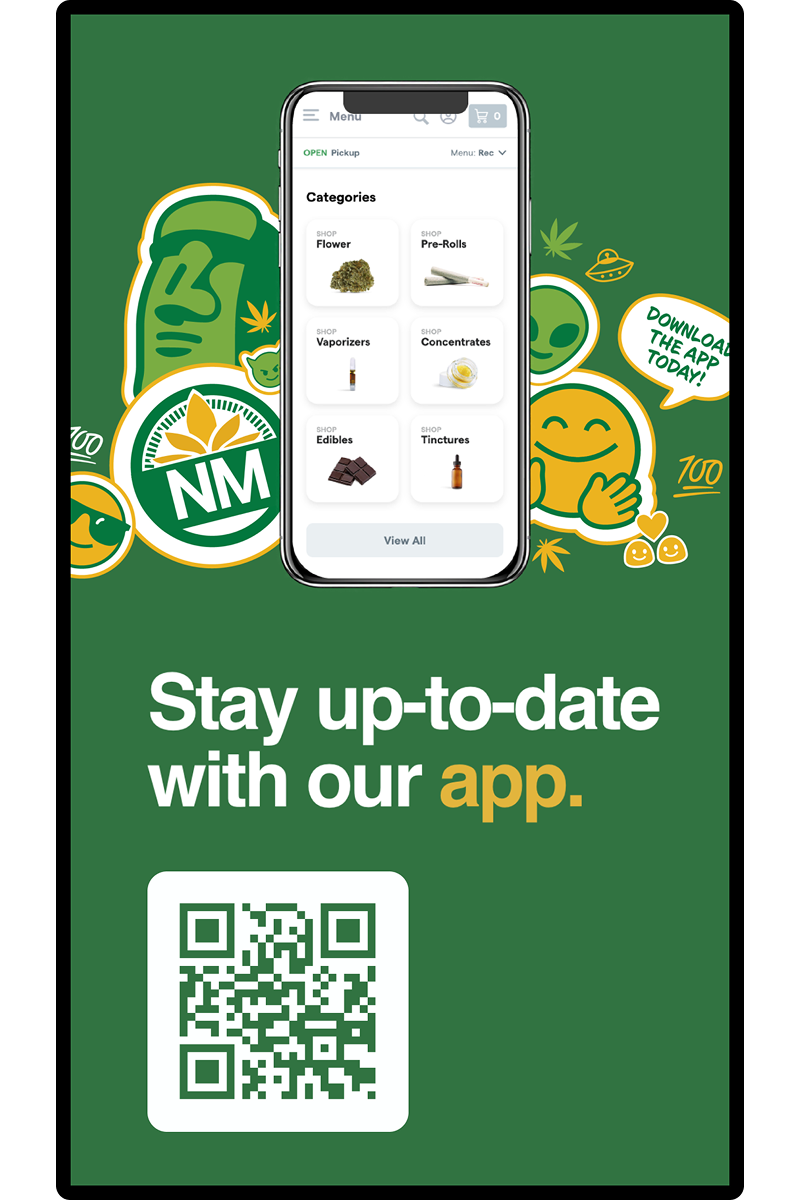
The program on the phone gets a screen in the store: a QR code that joins, the offer of the week, the points reminder in the line. Runs as its own screen or in rotation with the menu.


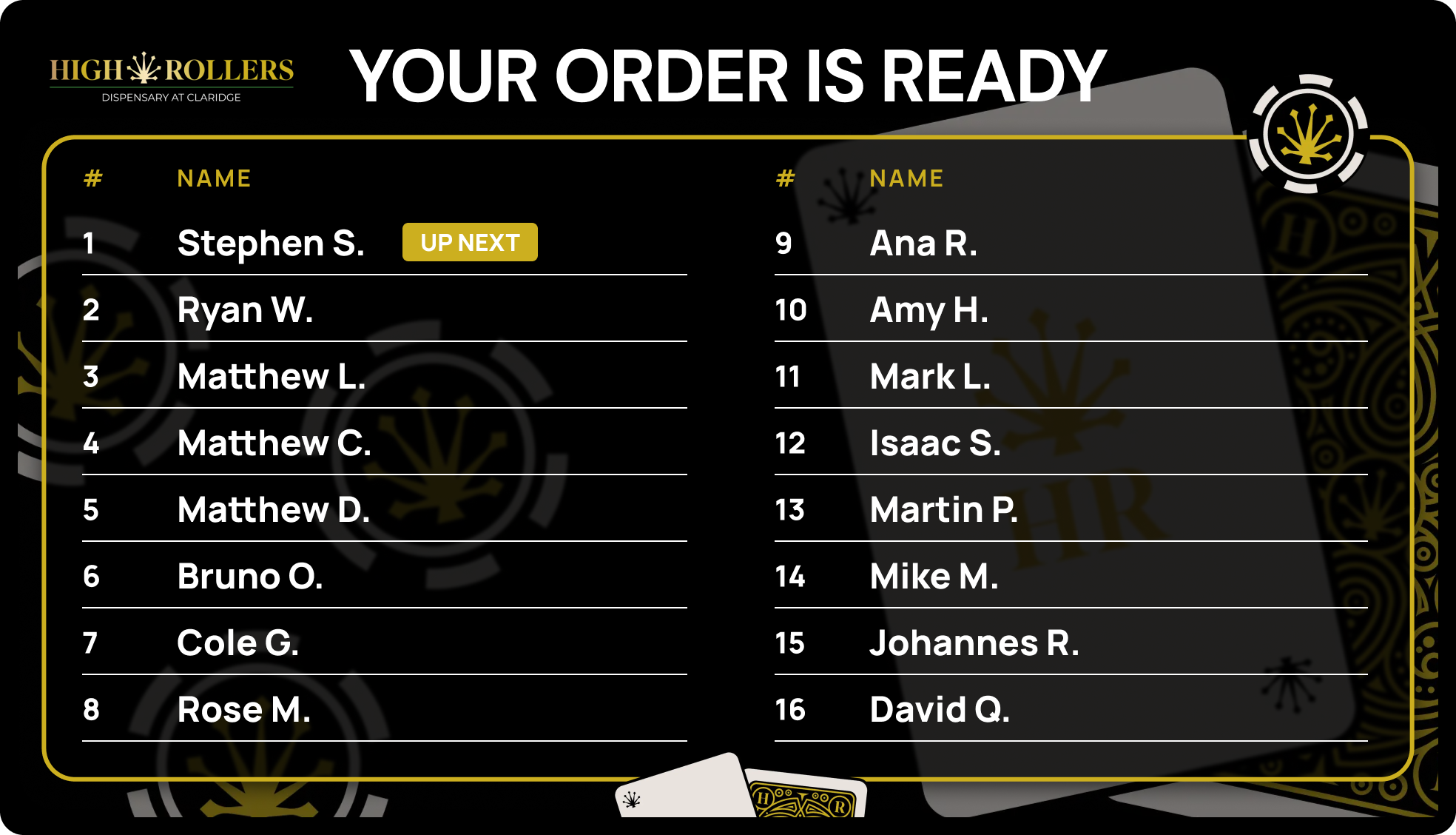
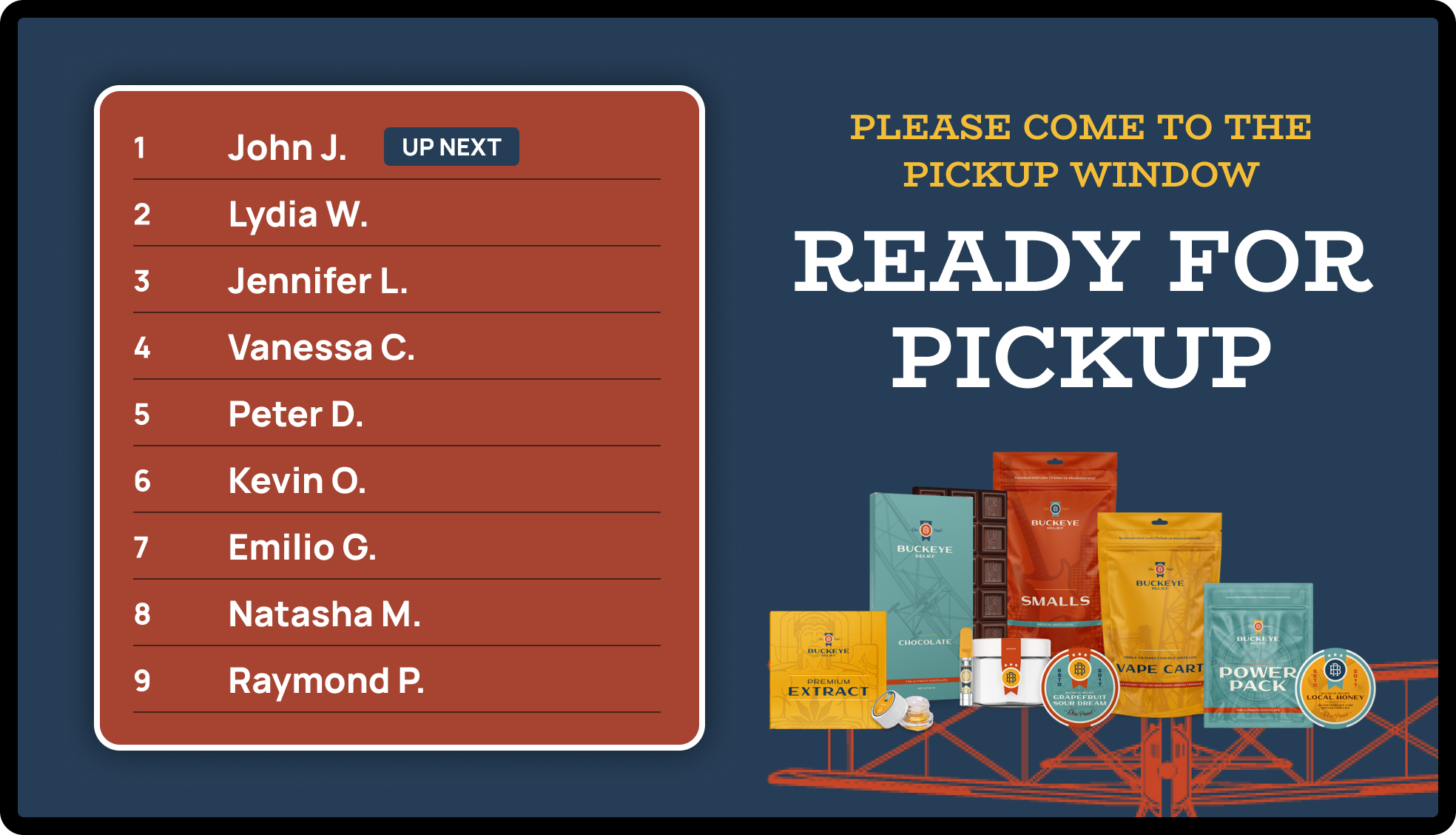
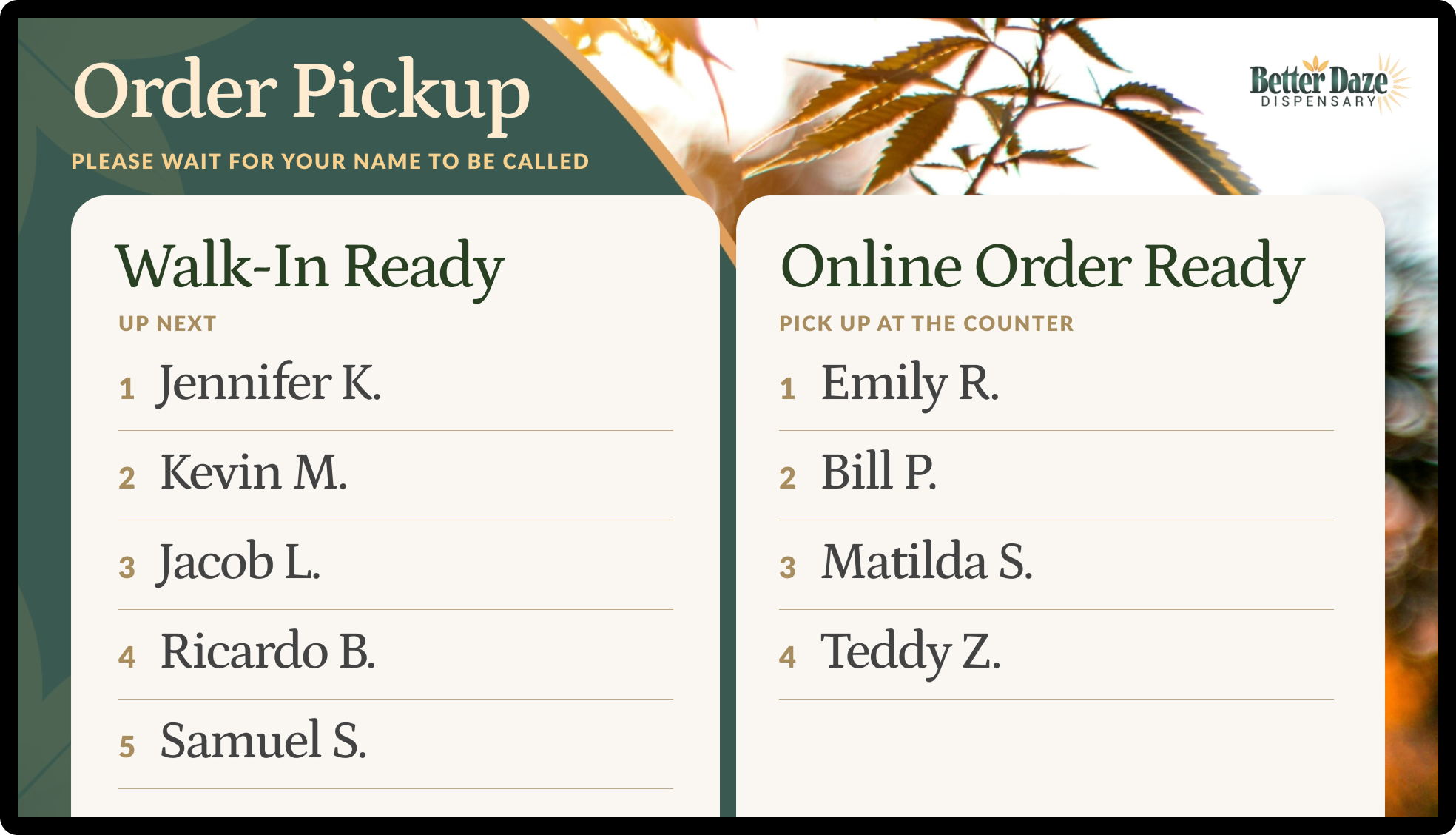
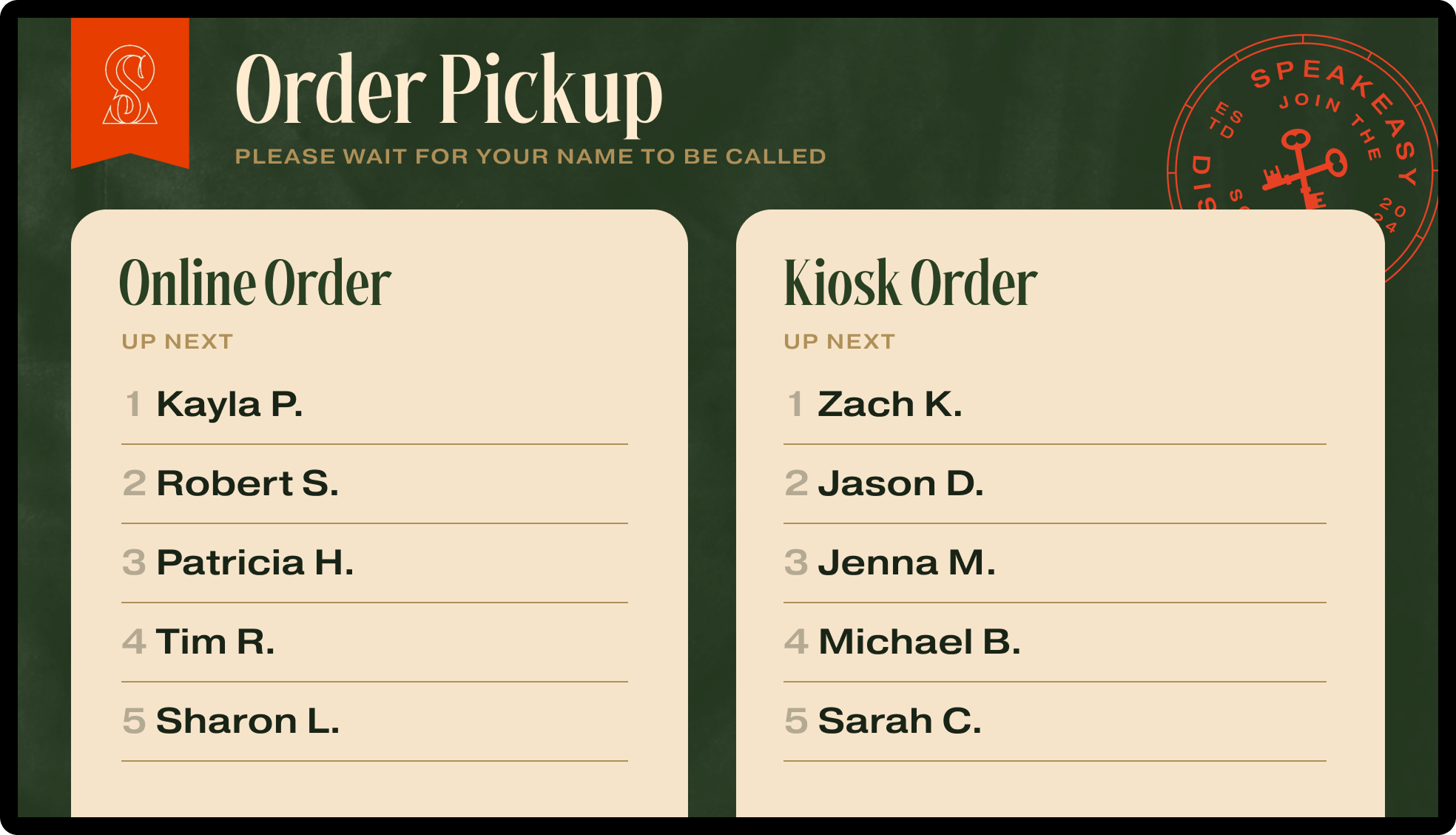
Online pickup · walk-in pickup · kiosk and self-service orders
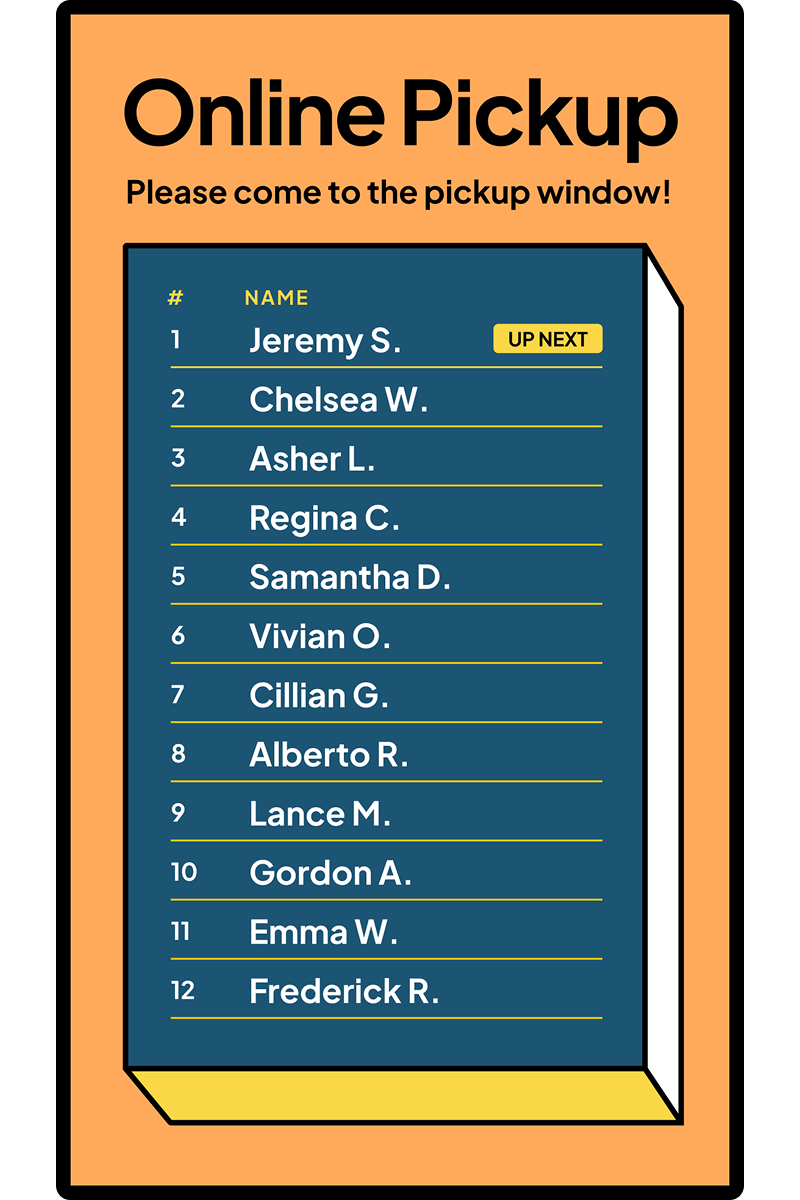
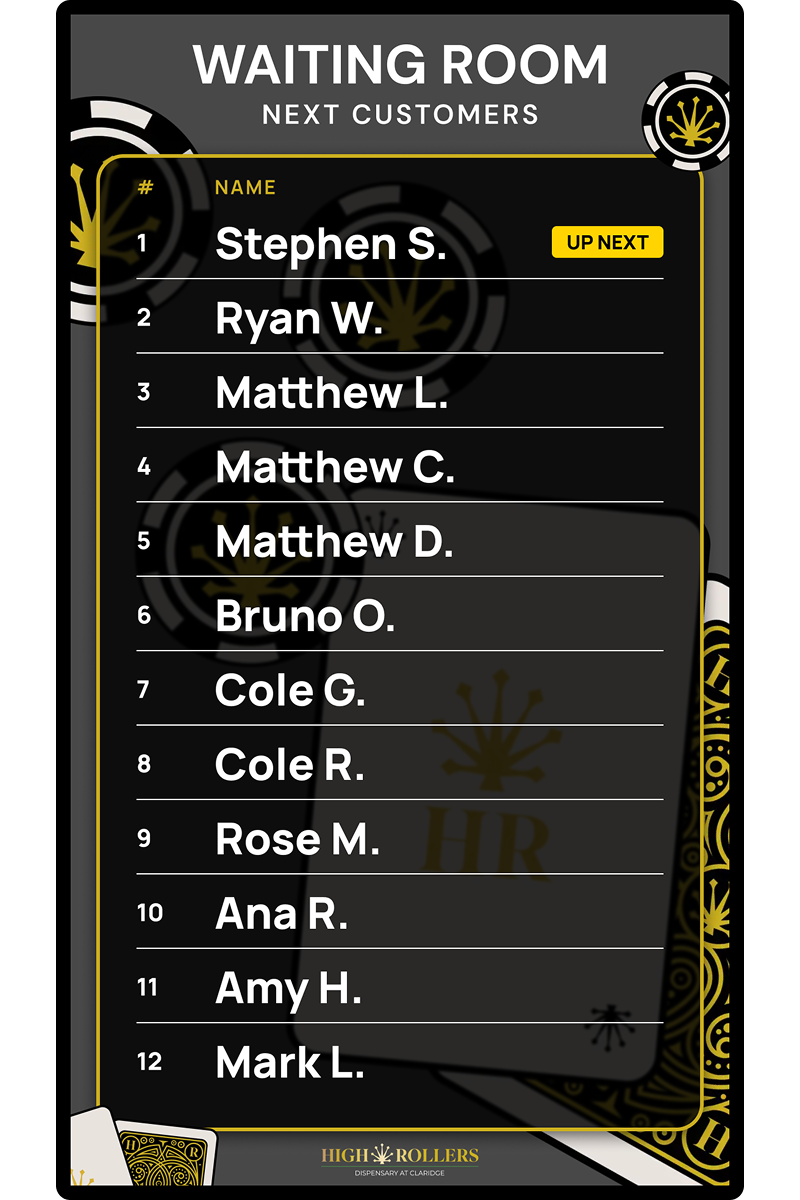
Queue boards
Who is next and whose order is ready, on the TV, so nobody has to ask. Runs on the same screens as the menus and can share one with them.

Every layout above, on a portrait-mounted TV
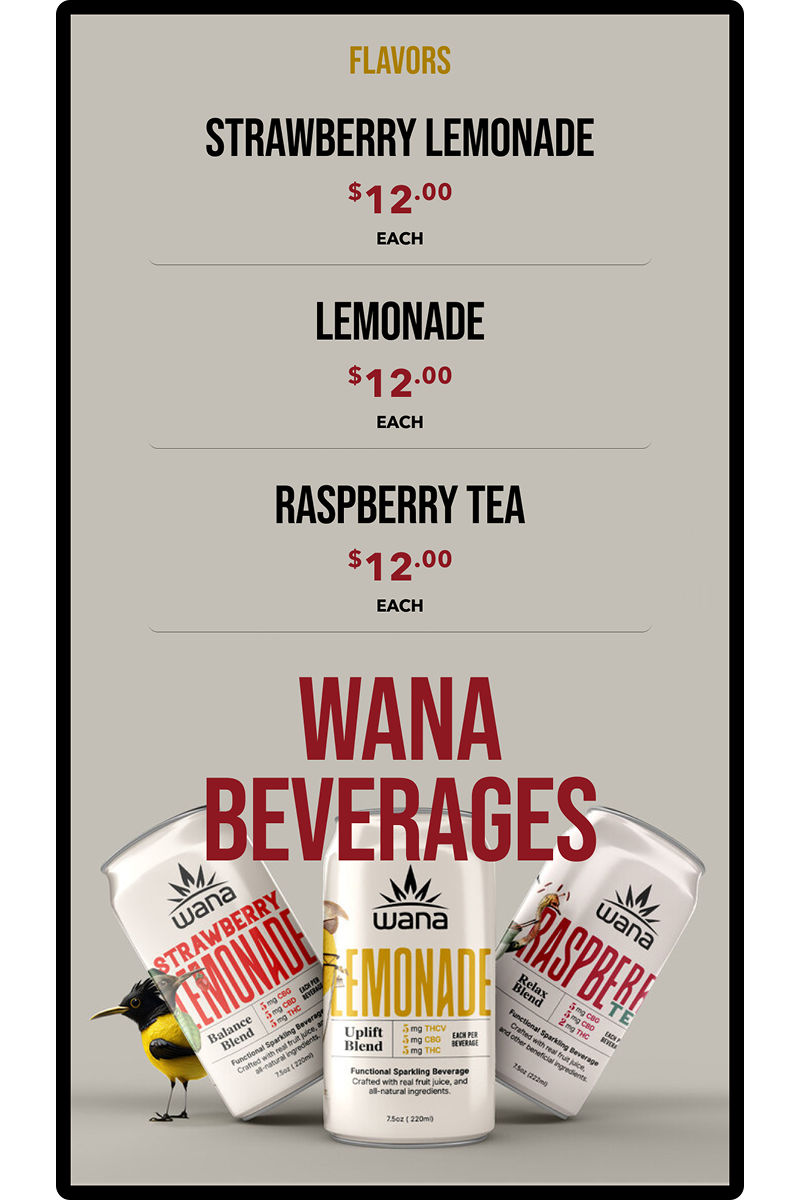
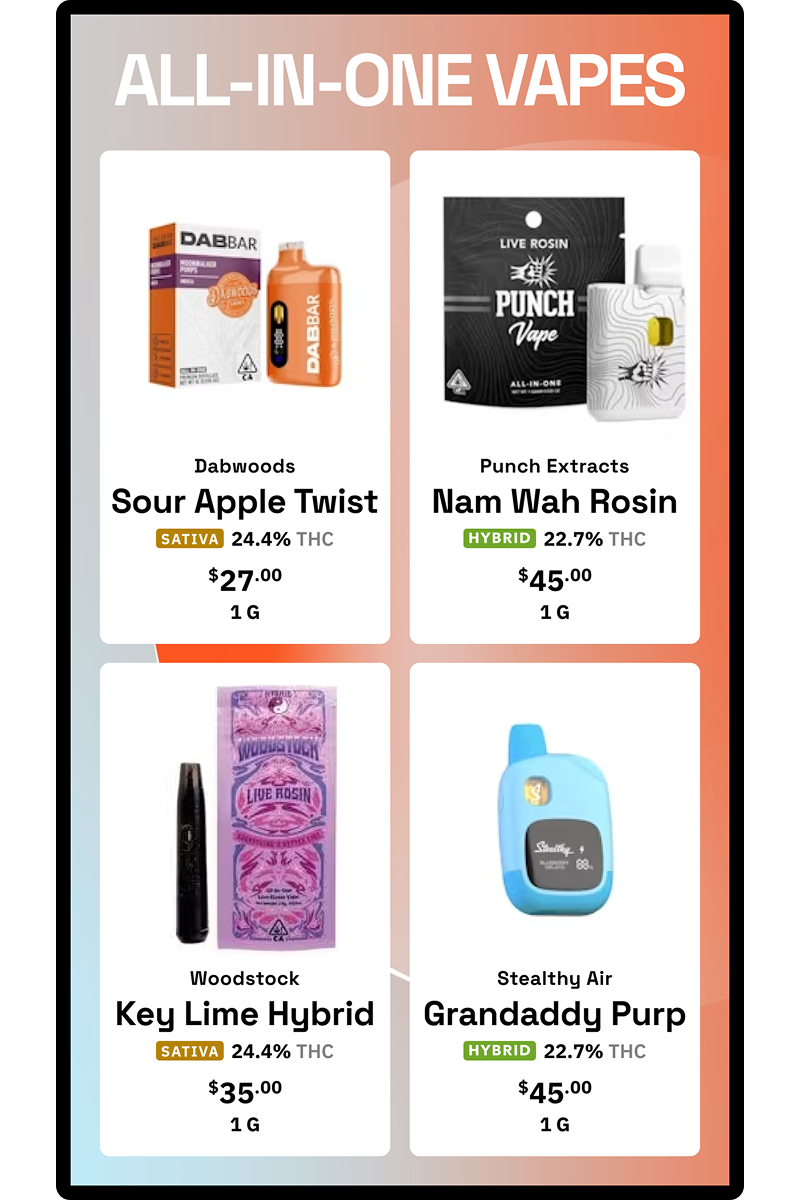
Vertical screens
Narrow wall, tall screen. Every layout in this lookbook has a portrait version, and a vertical TV fits places a landscape one never will: beside the register, between display cases, by the door.

Layout questions, answered
What is a dispensary TV menu layout?
Can I get these layouts for my store?
Do the layouts stay accurate when inventory changes?
Can I show specials in a sidebar next to the full menu?
Do these layouts work on vertical TVs?
Can I mix a menu with photos or video on one screen?
YOUR BRAND, THESE LAYOUTS
Pick a layout. We'll build it with your menu.
Book a demo, tell us which layouts caught your eye, and we'll show them running on your actual products before you sign anything. Design is included.