
DUTCHIE DIGITAL SIGNAGE
Digital signage for Dutchie dispensaries
Dutchie runs the register. Seed runs the room. Connect once, and every TV menu, kiosk, and promo screen in the store starts telling the truth: live prices, live stock, live specials, nobody retyping anything.
Seed is digital signage for Dutchie dispensaries. TV menus, self-service kiosks, queue boards, and promo screens read products, prices, stock status, specials, and images straight from DutchiePOS, Dutchie Plus, or Hybrid, so every screen in the store updates itself. Dutchie is the most common POS Seed connects to, and Seed runs 6,500+ screens across 950+ dispensary storefronts in 36 states and D.C.
“Seed's customer-facing technology drives engagement, transactional velocity, and increased cart sizes at your dispensary.”
— Seed's listing in the Dutchie integrations directory. Their words, our favorite sentence.
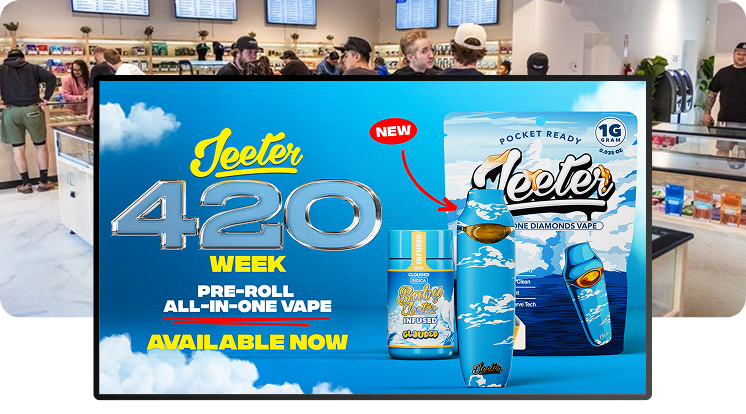
LIVE POS SYNC
The wall never lies.
Sold out? It's off the menu before anyone asks for it. Price change? On the wall before the next customer reaches the counter. Your budtenders stop apologizing for the menu and get back to selling.

SPECIALS & CAMPAIGNS
Set the deal in Dutchie. Watch it hit every screen.
Specials sync straight from your POS, and Seed's campaign tools take it from there — product features, promos, holiday pushes, on any screen at any store, without opening a design app.
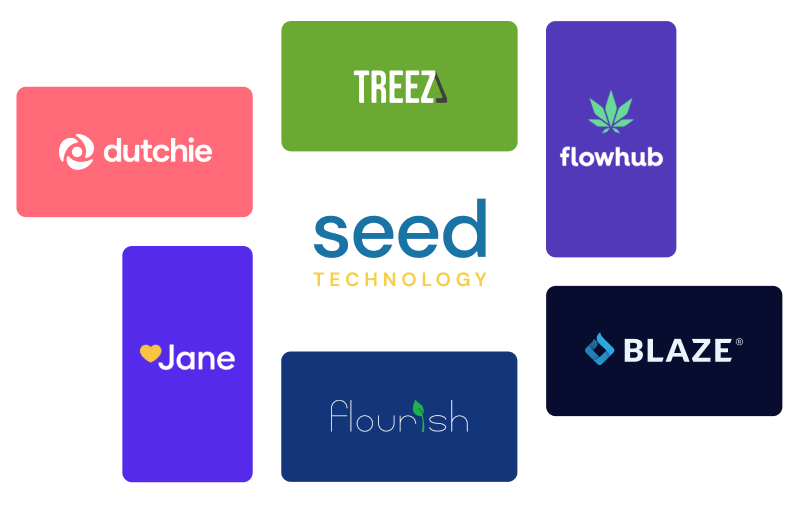
EVERY FLAVOR OF DUTCHIE
Speaks fluent Dutchie.
DutchiePOS, Dutchie Plus, or Hybrid — we run all three, including the Hybrid setup where your Plus images and descriptions layer over live POS data. Still call it LeafLogix? Same integration. Separate med and rec menus? Handled.
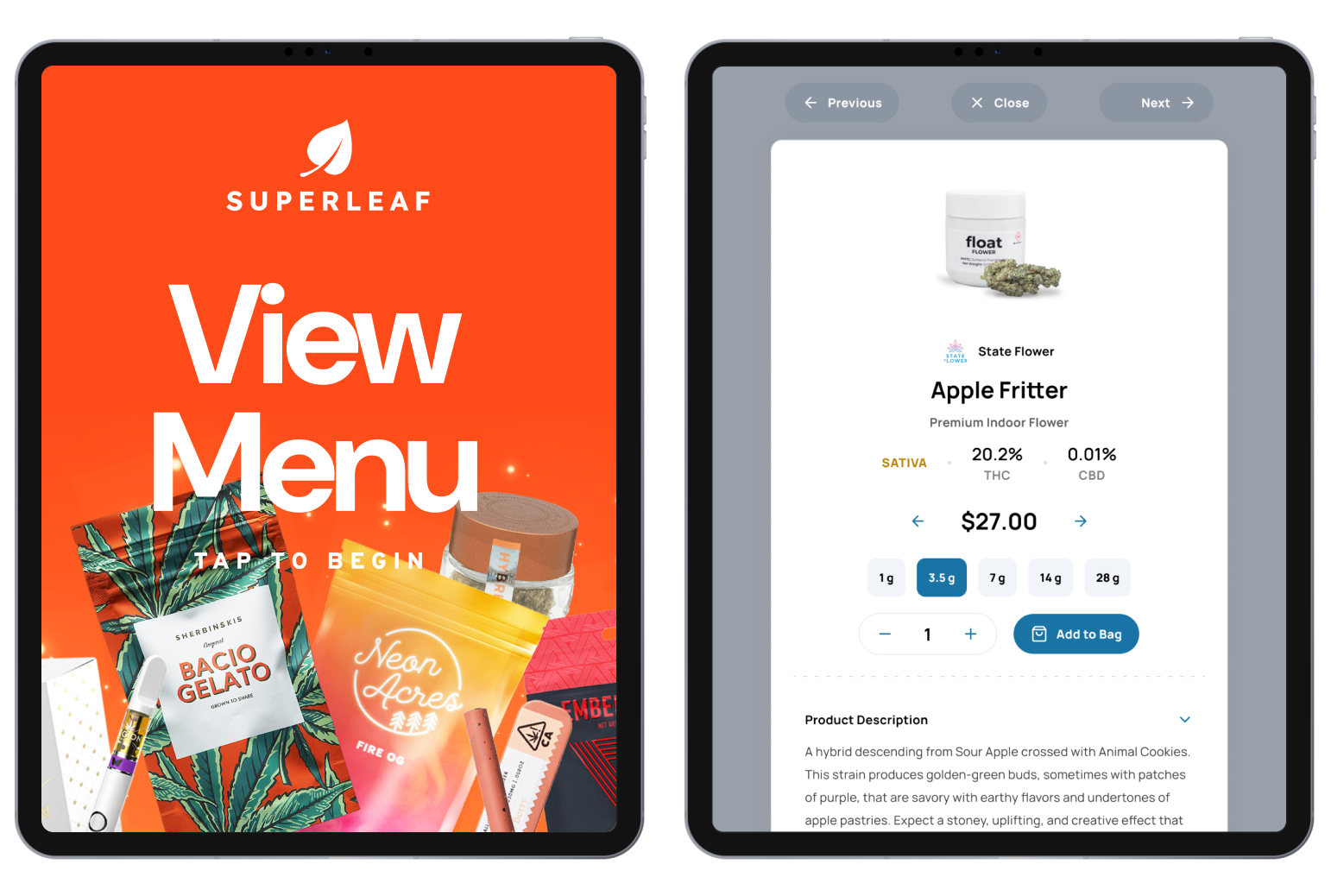
SEED TOUCH
Same live data, more ways to buy.
Seed Touch kiosks run on the same Dutchie feed as your menus. Customers browse, build a cart, order themselves, and can even sign up for Dutchie Loyalty right at the kiosk — lines get shorter and baskets get bigger while your budtenders handle the conversations that need a human.
.png?width=1771&height=1026)
RETAIL MEDIA
Screens that pay rent.
Once your screens run on live POS data, they can do more than list prices. Seed's Retail Media Network turns in-store screens into brand-funded media — measured against the register, not against vibes.
GETTING LIVE
Hooked up in an afternoon. Live in about a week.
- Send us your Dutchie API key. We'll show you exactly where it lives in Back Office — it takes about two minutes.
- We wire it up and style your menus. Your products, your brand, our templates. You approve everything before it ships.
- Screens go live and stay right. Every store, every screen, synced to Dutchie from then on. That's the whole job.
Dutchie questions, answered
What digital signage works with Dutchie?
Does Seed integrate with Dutchie?
Does it work with LeafLogix?
What syncs from Dutchie to my menus?
Do Seed kiosks work with Dutchie?
How fast do menus update?
We run separate med and rec menus. Does that work?
DutchiePOS, Dutchie Plus, or Hybrid?
Do I need to buy new TVs?
We're switching to Dutchie from another POS. Do we rebuild our menus?
How do I get started?
SEE IT WITH YOUR OWN MENU
Bring your Dutchie login. We'll make it real.
Book a demo and we'll put your actual products, prices, and specials on our screens — so you're not imagining anything.