
Seed is trusted by successful dispensaries in Arizona and across the country











WHY CHOOSE SEED?
Seed is proven to save time and increase efficiency in Arizona dispensaries
Seed has already demonstrated real results with our operators in Arizona and various other states. We help you optimize your retail operations with features specifically designed to save time.
Best in Class Integrations
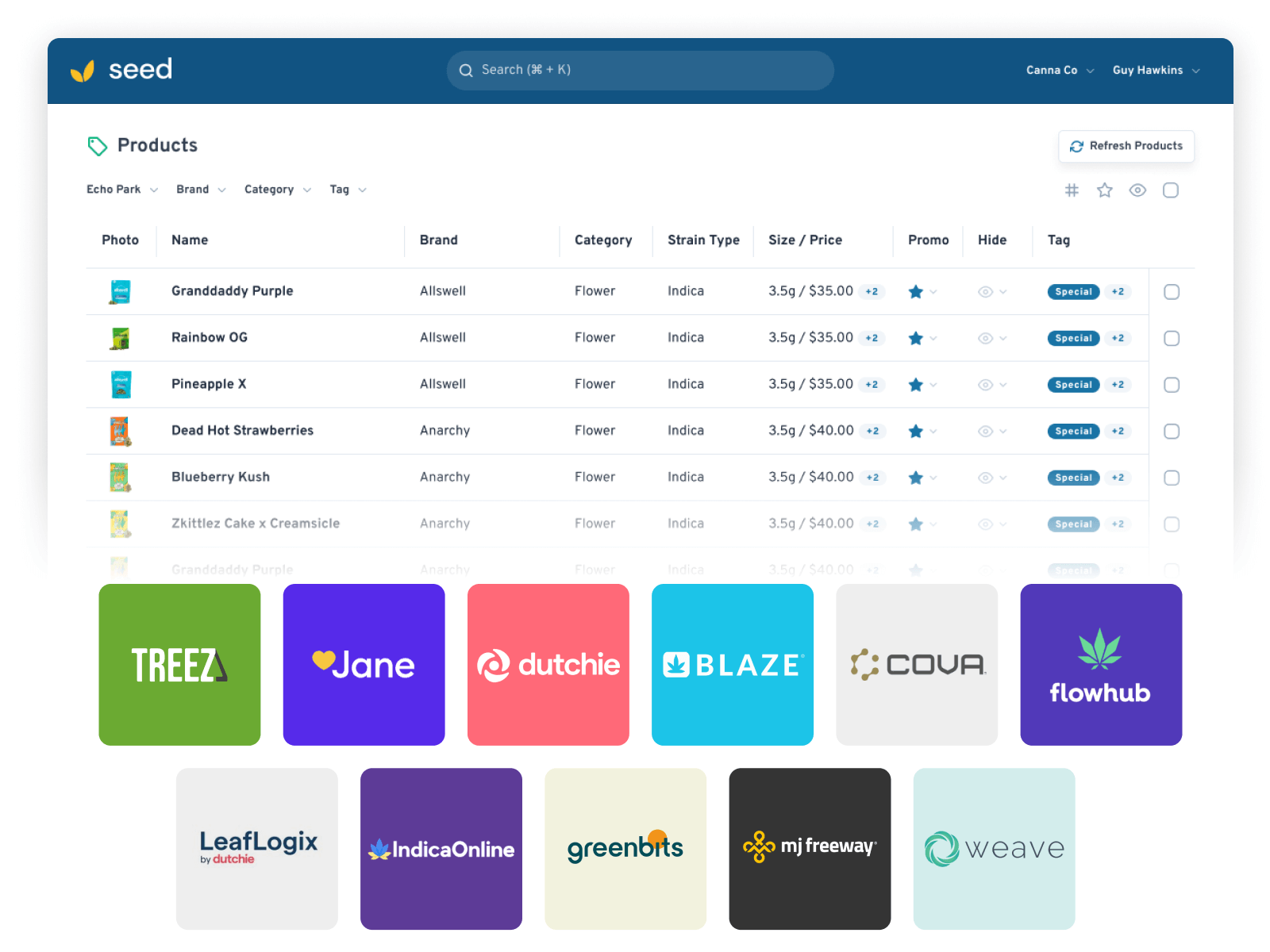
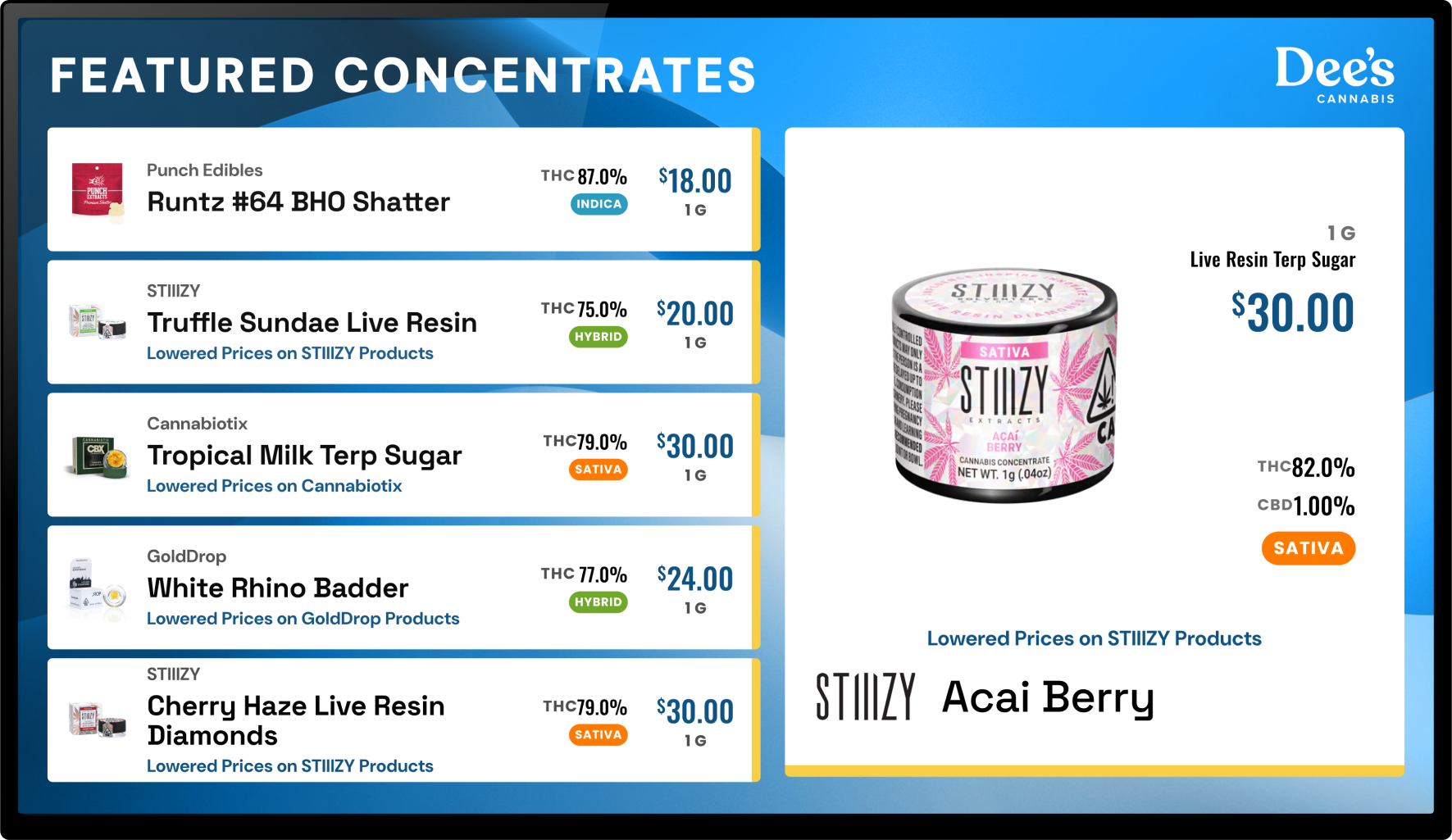
Automatically stay in sync with your POS of choice. Seed devices will always show in-stock inventory, up-to-date discounts, and more.
150% Increase in Loyalty Sign Ups
Our customers have seen a significant increase in loyalty sign ups compared to standard kiosks. Reducing friction in enrollment encourages repeat visits and customer loyalty.
Set It & Forget It
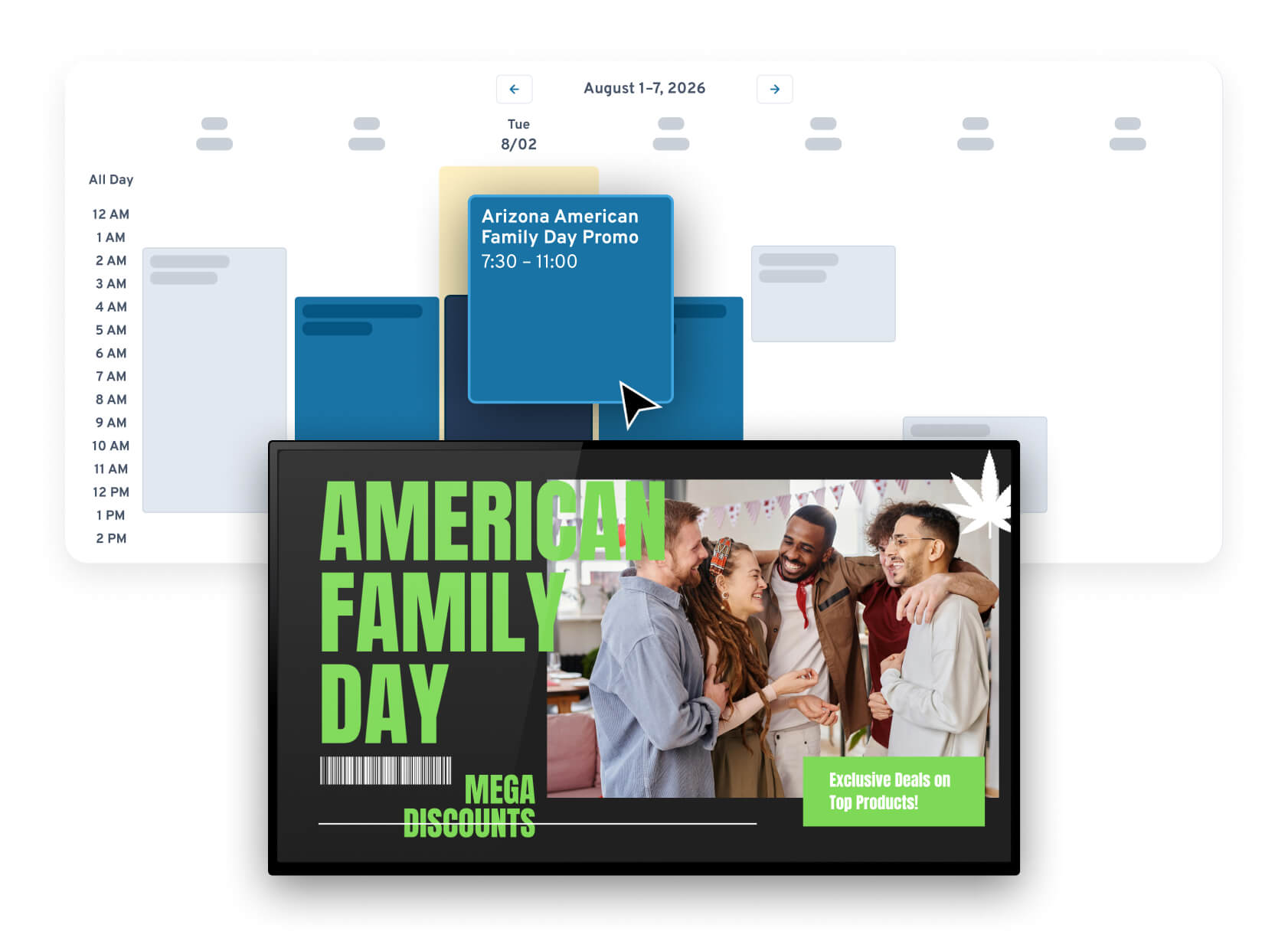
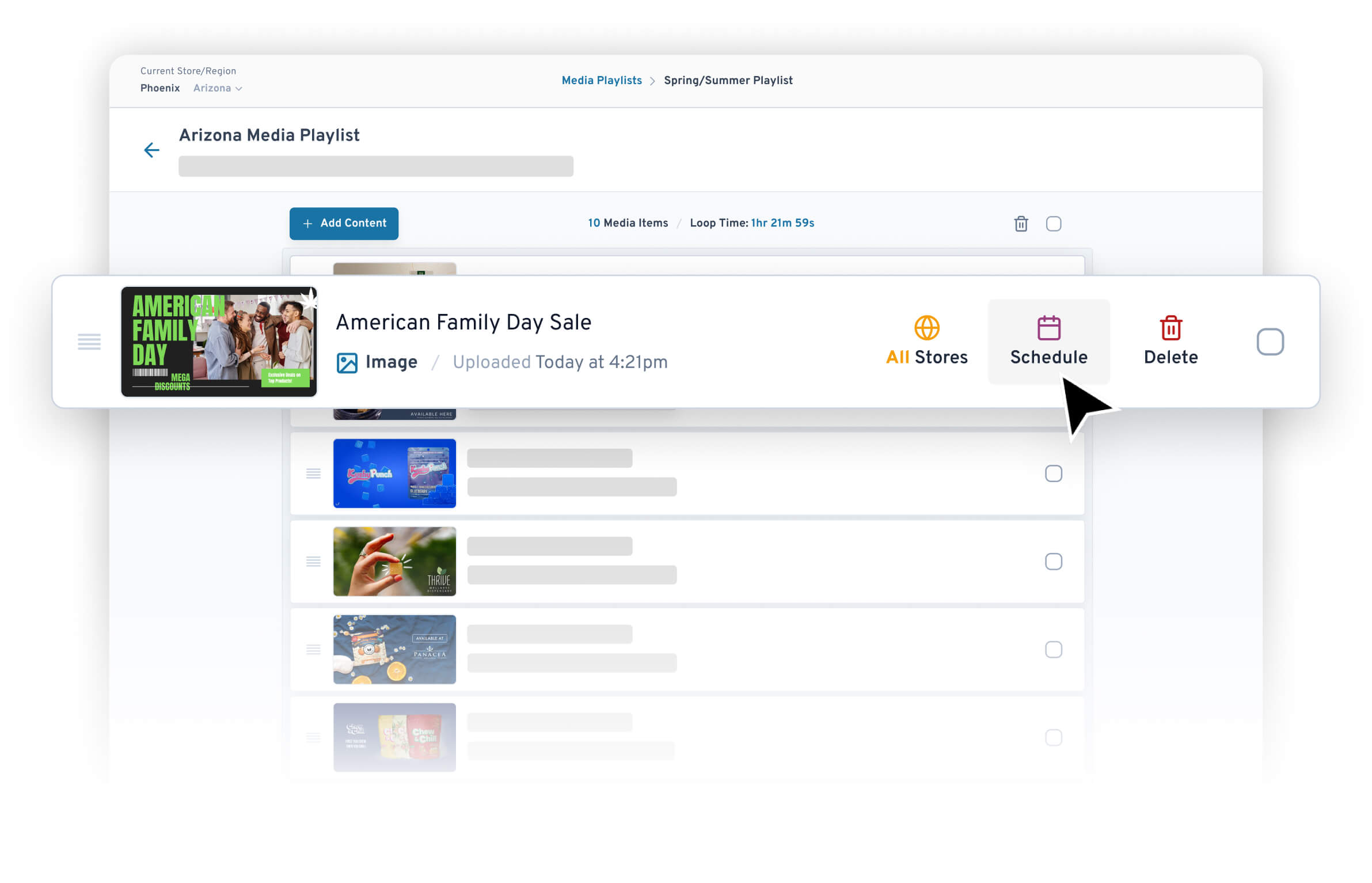
Our content scheduling feature give you full control of your future marketing strategy. This allows you to plan ahead and schedule content weeks or months in advance. If you have a change of plans, you can immediately swap out content on the fly.
Spend Time on Higher Value Tasks
With Seed in your workflow, you and your staff will free up 20+ hours per month to do meaningful work. Instead of performing redundant tasks, your team can focus on engaging with customers or developing retail strategies. Our software works with you, not against you.
SUCCESS STORIES
What are cannabis retailers saying about Seed?
“I can manage everything from one dashboard, no matter where I am.”
“Seed screens help us process people quicker than we could without them.”
“We are saving up to 20 hours of labor time per day after adding Seed to our operational work flow.”
FEATURE HIGHLIGHT
Media Integration with POS Inventory
Sync your media assets to specific products in your inventory. Automatically hide specific pieces of media when portions of your inventory run out.
GET STARTED
Get Started with Seed TV Menu
Schedule a quick call to discuss your stores, your current dispensary kiosk solution, and how we can help optimize your operation.
Benefits of using Seed TV Menu
Significant Time Savings for Your Staff
Customers Make Faster Purchasing Decisions
Increase Sales of High Margin Products
Increase Customer Satisfaction & Loyalty
Why Seed is the leading TV Menu provider in the industry
Seed TV Menus
- ✅ Increased time savings
- ✅ Scheduling that runs itself
- ✅ Intuitive sorting and filtering
- ✅ Discounts and Specials integration
Other Menu Providers
- ❌ Limited product display options
- ❌ Overwhelming interfaces
- ❌ Missing automation opportunities
- ❌ Difficult to make changes
Seed integrates with your POS of choice
We partner with all major POS companies to automatically update your inventory on Seed devices. Shoppers only see in-stock items, with correct pricing, to avoid confusion.
— Frequently Asked Questions
Learn more about Seed TV Menu:
How are the TV menus populated?
Seed integrates with your POS system to automatically populate your TV menus with actual in-stock inventory and prices (including specials).
We have API integrations with all the major cannabis POS and ecommerce companies to make sure your menus are always accurate.
What hardware do I need for Seed TV menus?
Your dispensary TV menus display on a TV screen, powered by Apple TV. You can use existing TVs/Apple TVs if you have them.
Visit our Hardware page for more information.
Can I show daily deals or promos on my TVs?
You sure can — deals are what screens do best. Put tonight's special where every shopper reads it, and let placement do the selling.
Do I have to go into the store to update my TVs?
Nope. Seed Manager runs in the cloud. Log in from anywhere, update menus or media, preview everything before you publish, then pair the playlist with any TV at any store. The wall catches up on its own.
GET STARTED
Get Started with Seed TV Menus
Schedule a quick call — bring your current menu setup and we'll show you exactly what Seed would change.