
FEATURE SPOTLIGHT
Set the month's marketing in one sitting
Schedule content weeks or months in advance, swap it on the fly when plans change, and run the whole thing from Seed Manager — wherever you happen to be.
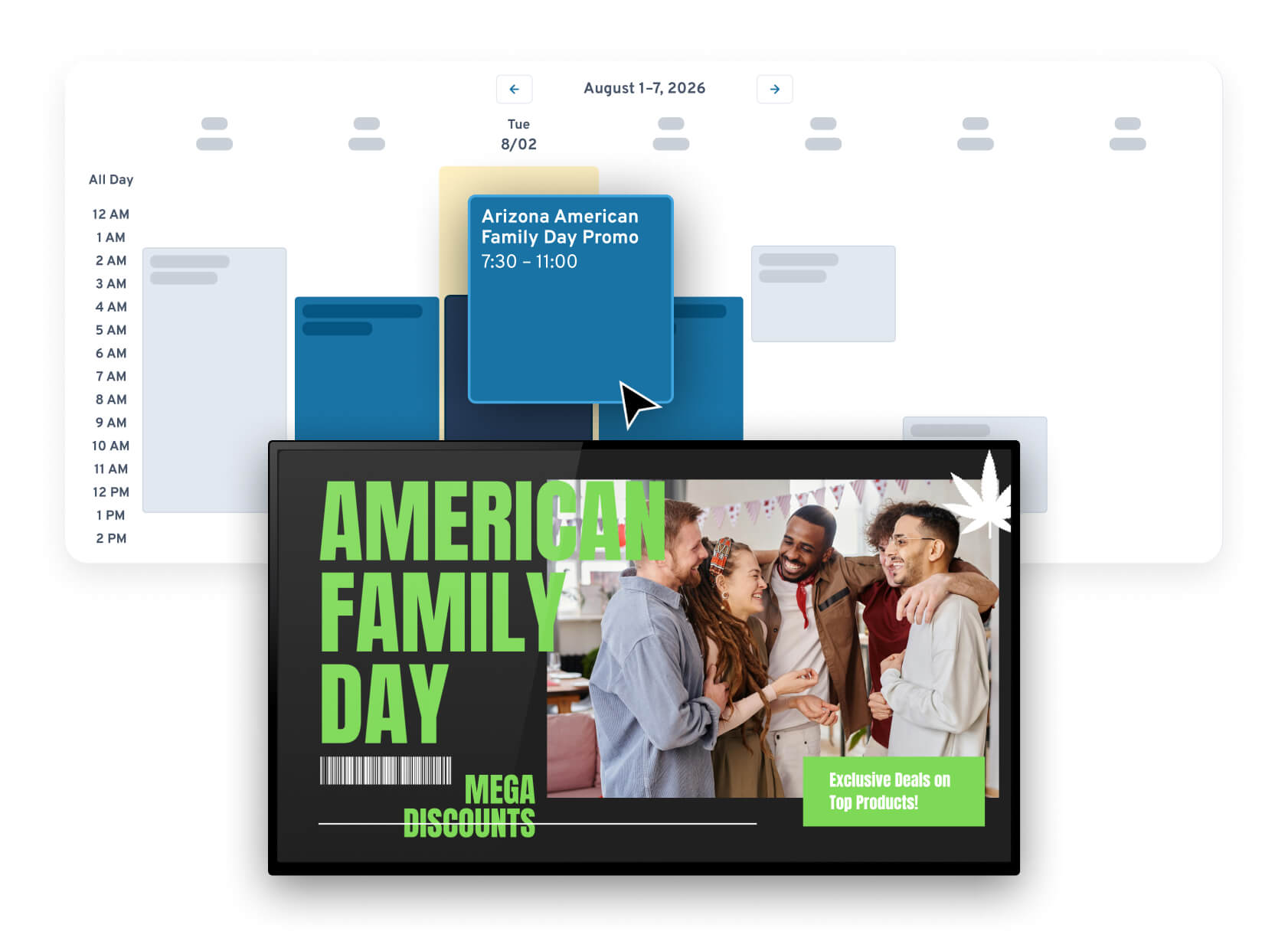
PLAN AHEAD
Load the calendar once. Let it run.
Schedule content weeks or months in advance — product pushes, holiday campaigns, weekday menus, weekend promos. Build the whole plan in one sitting and the screens follow it without you.
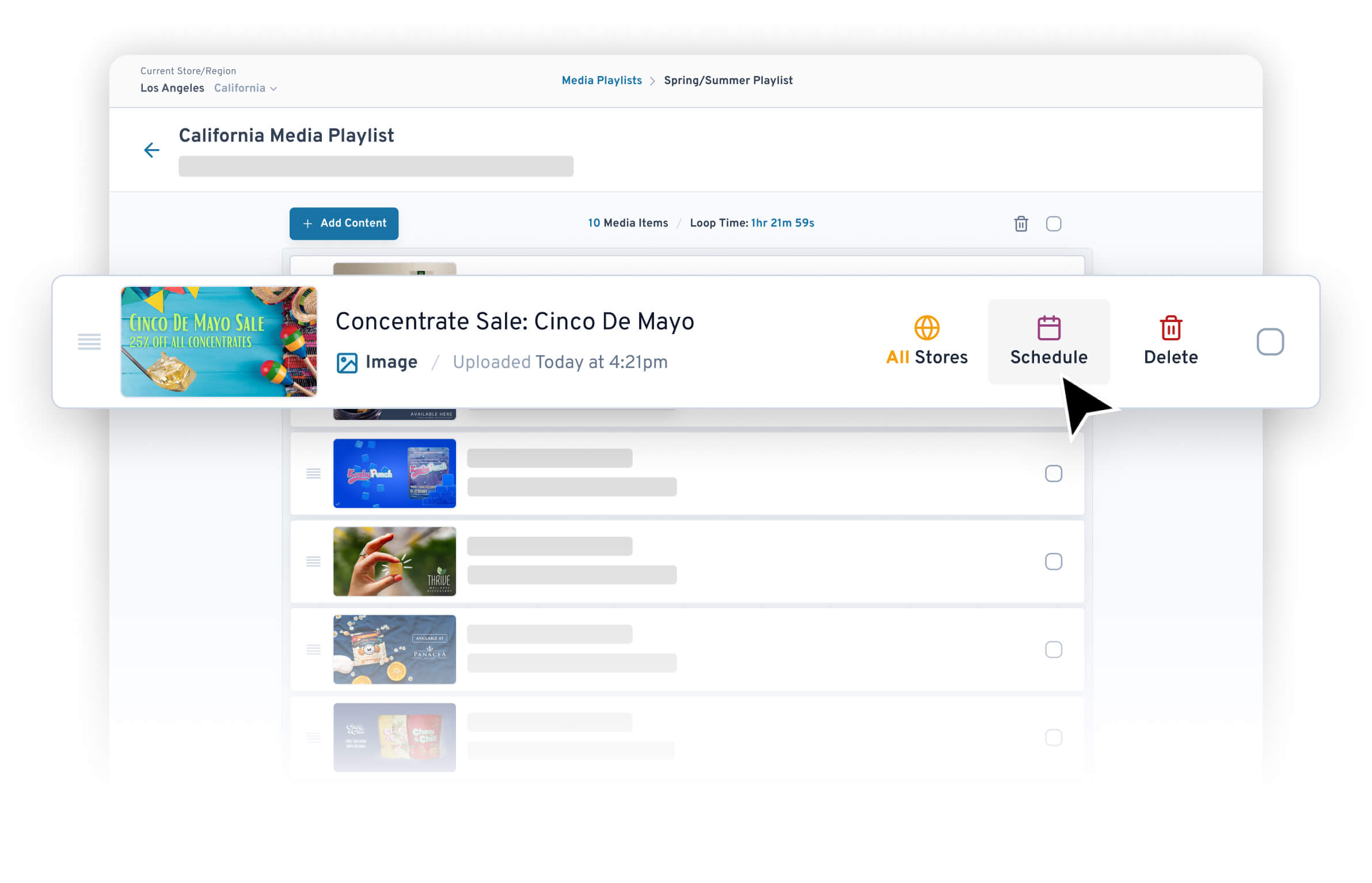
CHANGE OF PLANS
Plans change. The wall keeps up.
A drop lands early, a promo needs to end at noon — swap content on the fly from Seed Manager. Pick the screen, pick the playlist, done.
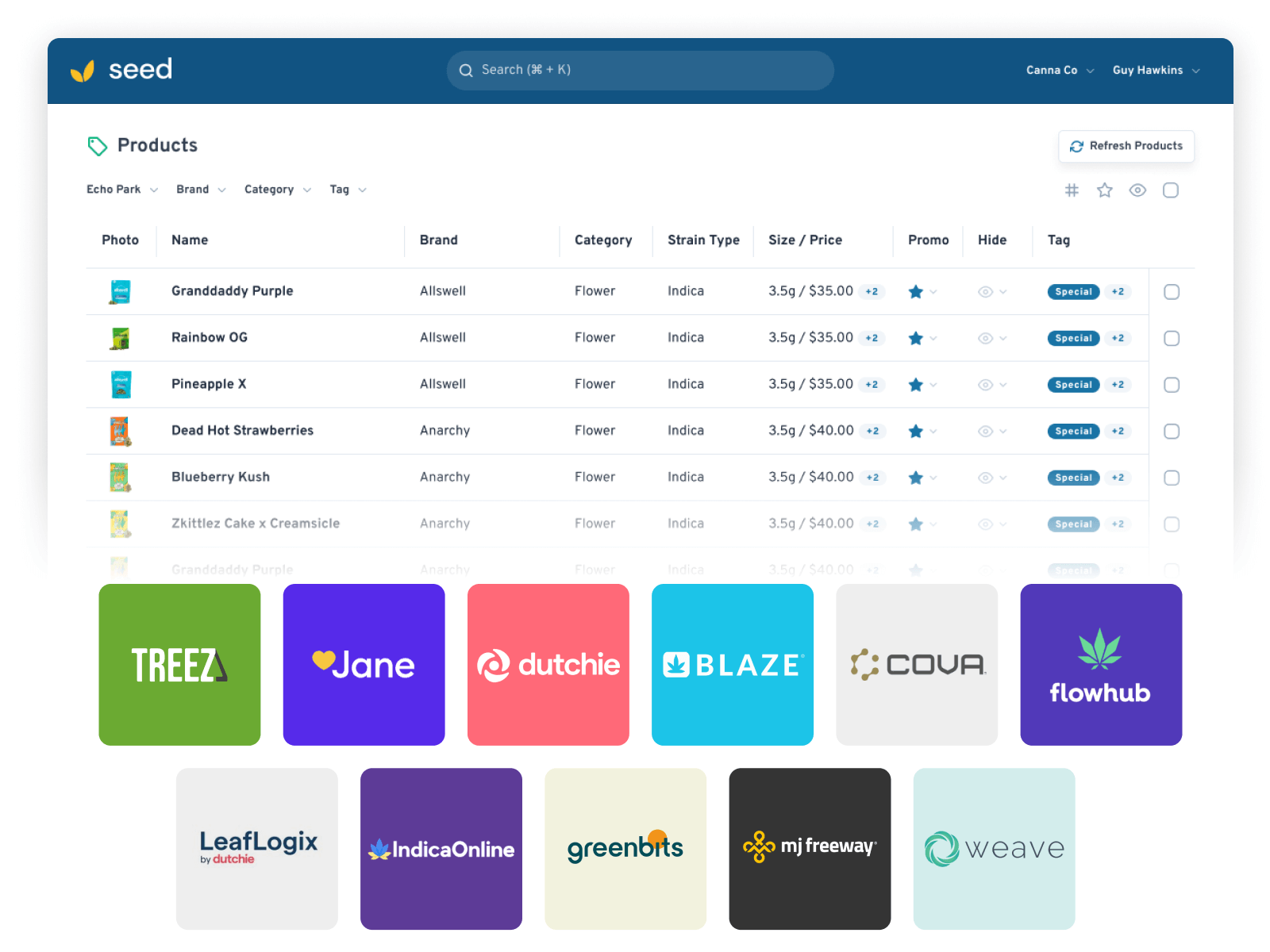
SEED MANAGER
Run it from wherever you are
Seed Manager lives in the cloud. Log in from the office, the house, or the road — preview everything before you publish, then pair a playlist with any TV at any store.
Set it once. It runs the month.
Weeks Ahead, Not Hours Ahead
Schedule content weeks or months in advance. The month’s marketing becomes one planning session instead of a daily scramble.
Preview Before Publish
See exactly what a screen will play before it goes live. No surprises on the wall.
20+ Hours Back
Operators using Seed save 20+ hours per month — time that goes back to customers, not screens.
Scheduling questions, answered
How far ahead can I schedule content?
What if plans change after I schedule?
Do I have to be in the store to update my TVs?
Can I schedule deals and promos too?
What hardware does the schedule run on?
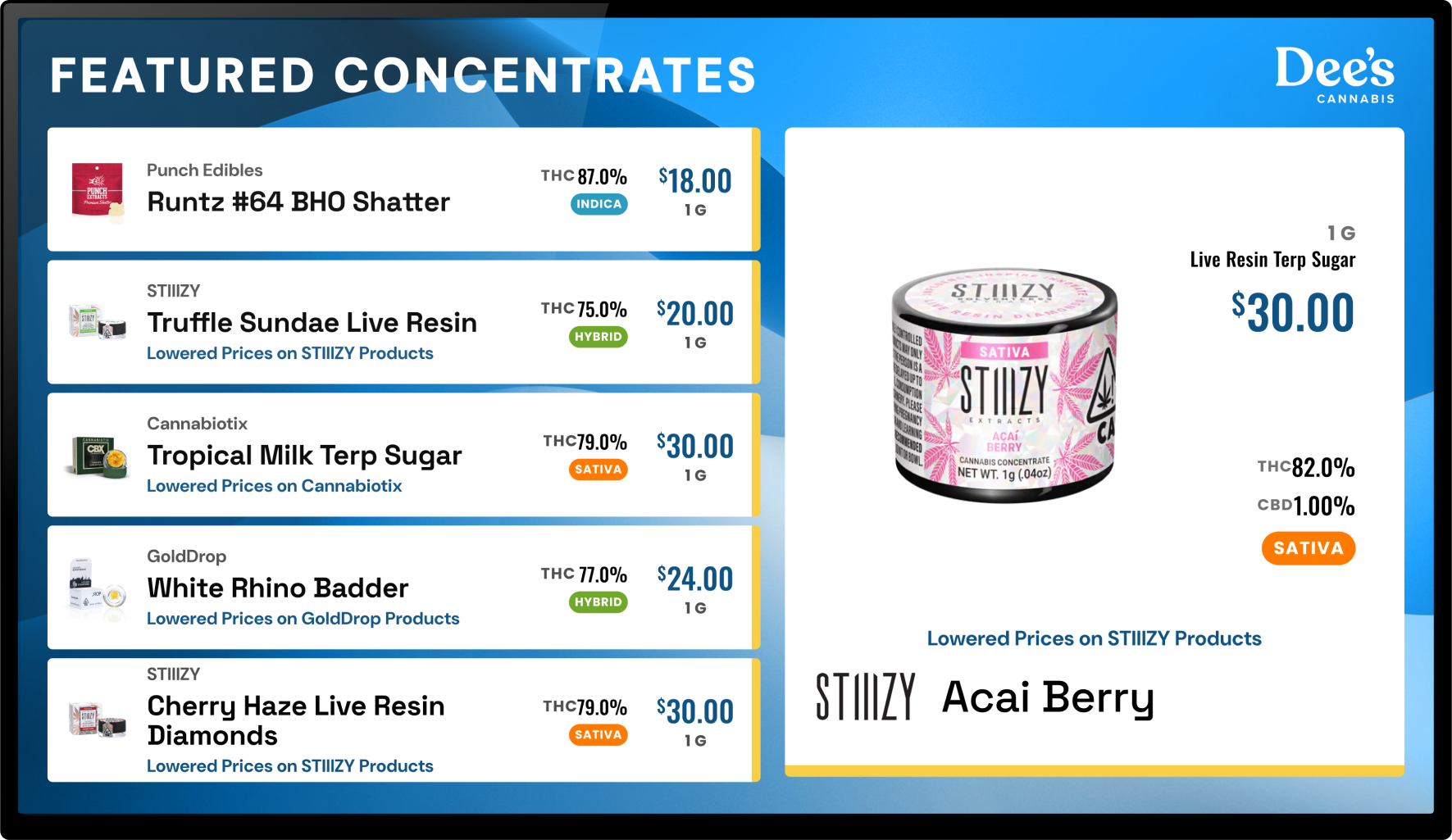
GET STARTED
Plan the month. Then go run the store.
Book a demo and we'll walk through the scheduler with your stores in mind. Most stores go from signed to live in about a week.