
FEATURE SPOTLIGHT
The deal you set in your POS is the deal on the wall
Seed menus pull actual in-stock inventory and prices — specials included — straight from your POS. Set the deal once at the register and every screen in the store tells the same story.

POS-SYNCED SPECIALS
Set it in the POS. See it on the wall.
Your menus read actual inventory and prices, including specials, directly from the POS. Start a deal and it shows up on screen. End it and it's gone. Nobody retypes anything.

WORKS WITH YOUR POS
Fluent in the register you already run
Dutchie, Treez, Blaze, Flowhub, COVA and more. If your POS knows the price, the wall knows the price — and so does every Seed Touch kiosk, running on the same live feed.
CAMPAIGNS IN MINUTES
Daily deals, no design department
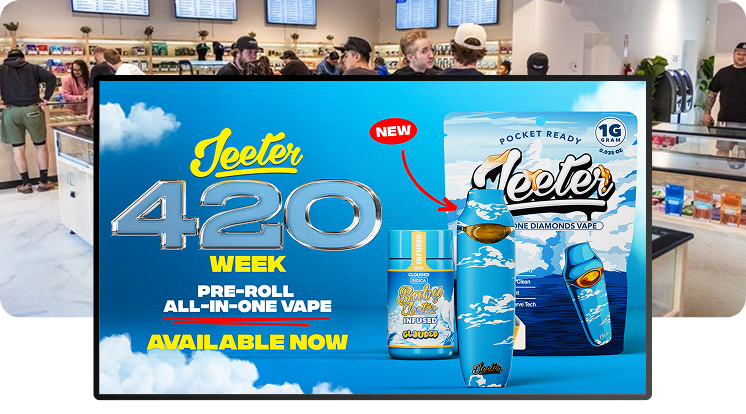
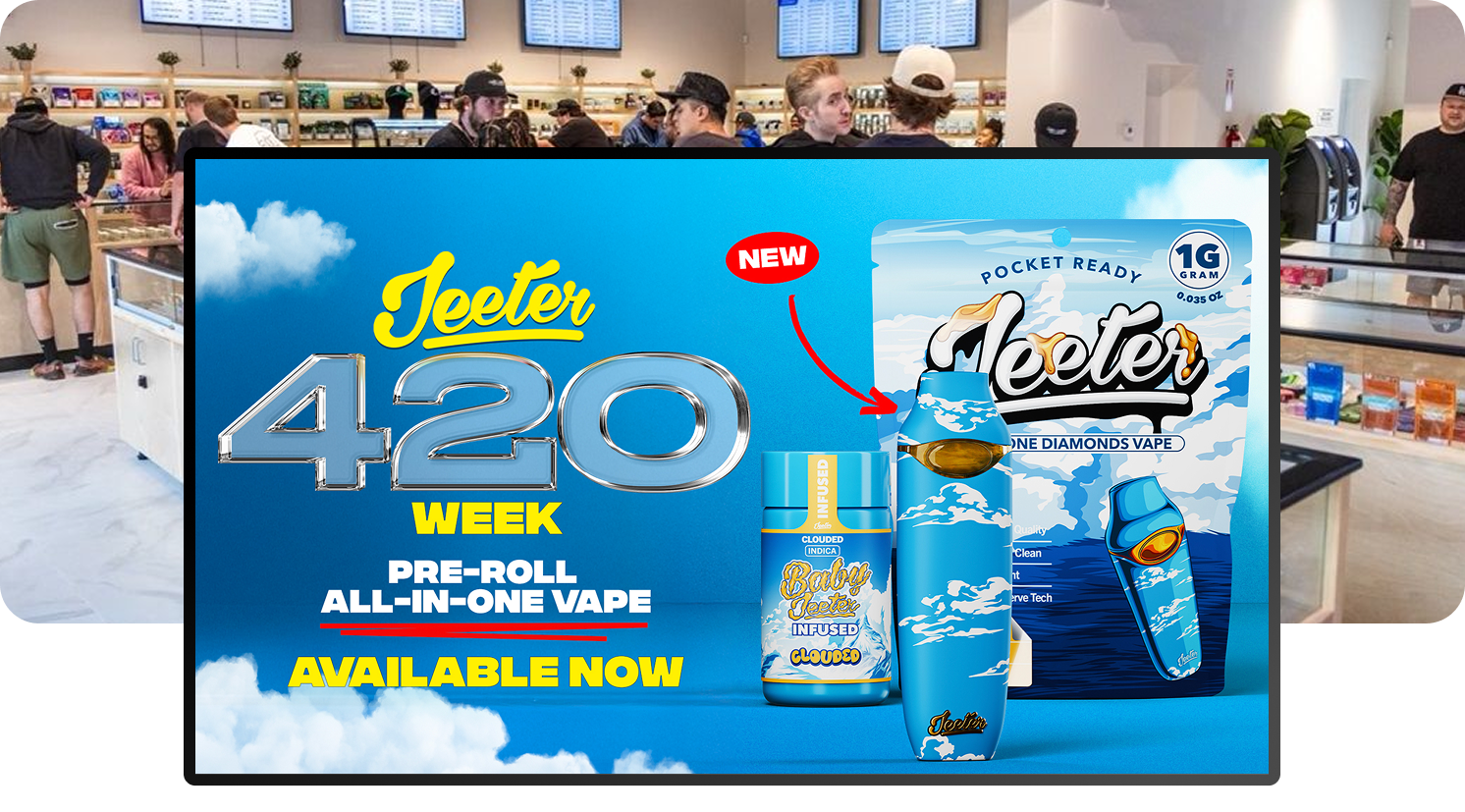
Launch a campaign in minutes without a designer. Put daily deals and promos on your TVs while the morning coffee is still warm — and take them down just as fast.
Deals that keep themselves honest
Zero Retyping
The deal lives in your POS. Screens read it from there, so the price on the wall is the price at the register.
Minutes, Not Days
Campaigns launch in minutes without a designer. A daily deal goes up faster than you could write it on a whiteboard.
Only What’s In Stock
Menus pull actual in-stock inventory, so you never promote a product you can’t sell.
Specials questions, answered
How do specials get onto my menus?
Can I show daily deals or promos on my TVs?
Do I need a designer to run a promo?
Which POS systems does this work with?
Can I schedule a promo ahead of time?
GET STARTED
Put your next deal on the wall.
Book a demo — bring the POS you run and the special you're planning. Most stores go from signed to live in about a week.