
FEATURE SPOTLIGHT
Menus with pictures sell more than lists
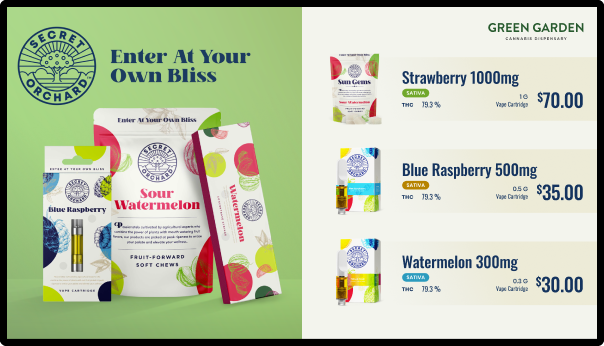
Put product images and promos on your menus, tied to the actual products in your inventory. When something sells out, its media leaves the wall with it.
.png?width=1771&height=1026)
PRODUCT MEDIA
Give your best products a face
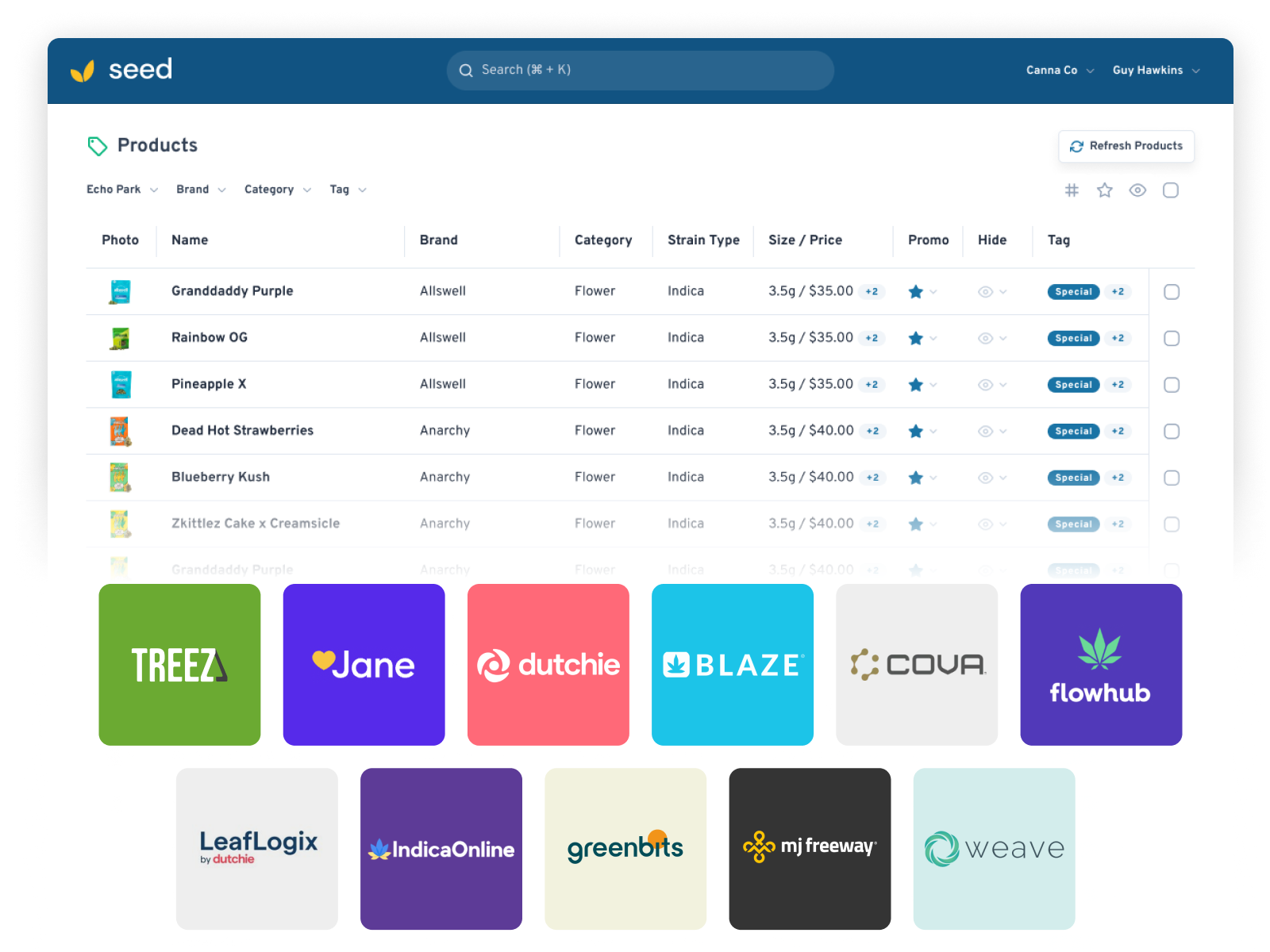
Sync media assets to specific products in your inventory, so your top shelf gets photos and video instead of a line of text. Shoppers buy what they can see.
TIED TO INVENTORY
Sold out? The promo already knows.
Media is synced to your POS inventory, so it auto-hides the moment a product runs out. The menu and the media always tell the same story — nobody's asking for a strain you sold through at lunch.
CANVA, BUILT IN
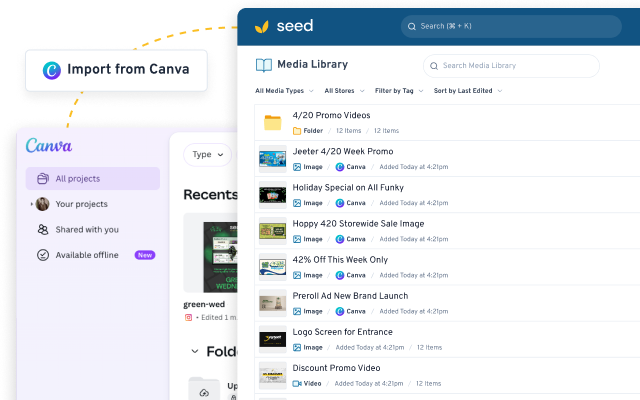
From Canva to the wall, no downloads
Connect Canva and import designs straight to your Media Library. Edit a design in Canva and it re-syncs automatically — fix a typo once and it's fixed on every screen.
Media that minds the inventory
Linked to Real Inventory
Media syncs to specific products, so what’s on the wall is what’s on the shelf.
Auto-Hide on Sellout
When a product runs out, its media comes down on its own. Nobody has to remember.
Designs That Stay Synced
Canva imports land in your Media Library and re-sync automatically when you edit the original.
Menu media questions, answered
How does media get tied to a product?
What happens when a product sells out?
Can I use my Canva designs?
Where does the media actually show up?
Can I schedule media ahead of time?
GET STARTED
Show them what you're selling.
Book a demo and we'll show product media running on a live menu, synced to real inventory — pictures doing the selling, POS keeping it honest.