
Digital signage for Meadow dispensaries
TV menus, self-service kiosks, and promo screens that read live from Meadow. Products, prices, stock, and specials update on every screen without anyone retyping a thing.
Seed is digital signage for Meadow dispensaries. TV menus, self-service kiosks, queue boards, and promo screens read products, prices, stock status, and specials straight from Meadow, so every screen in the store updates itself. Seed runs 6,500+ screens across 950+ dispensary storefronts in 36 states and D.C.

What is Meadow?
Unlock a complete set of revenue streams with Meadow's connected cannabis POS system. From one simple-to-use platform, you can make sales in-store in addition to accepting orders online, for pick-up, and delivery. This omnichannel sales solution makes it easy to offer a personalized experience for each and every customer, no matter where they're shopping.
Learn More About Meadow Meadow × Seed Integration
What is Seed?
Seed is an in-store digital signage application that gives dispensaries the power to connect customers to products they'll love. Seed customer-facing screens help increase retail profits, speed up transactions, decrease wait times, and influence behavior. Modern, innovative dispensary brands trust Seed for all in-store digital needs.
Use Seed with Meadow to Increase Dispensary Profits
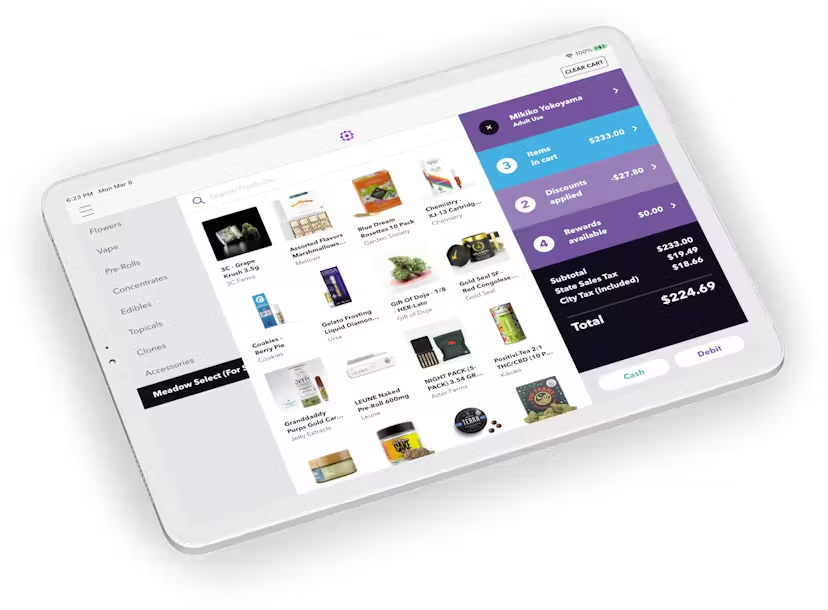
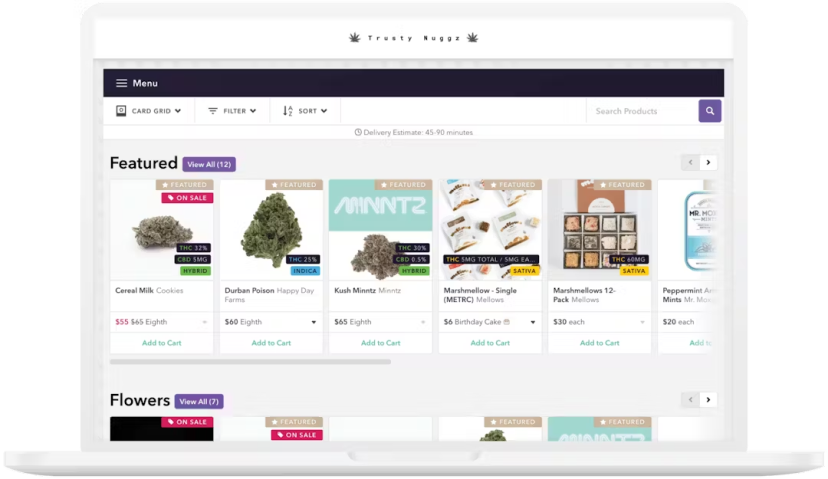
Clean Data with Centralized Sales and Inventory
Seamlessly manage in-store, online, delivery, and pick-up sales all from a single dashboard for reliable inventory everywhere.
Accommodates Flexible Retail Models
Choose from traditional counter service to floating sales staff with iPads to a pharmacy fulfillment store flow, with efficient workflows to move products quickly.
Let Customers Bypass the Line with Express Pick-Up
Easily set up an in-store or curbside pick up workflow to reduce wait times; text customers through the system when their order is ready for pick up.
WHAT SYNCS
Set it in Meadow. See it on the wall.
Products, prices, stock status, and specials flow from Meadow to every Seed screen automatically. Sold out? Off the menu before anyone asks for it. New price at the register? On the wall without anyone retyping a thing.
- Products — the menu is your live inventory, not last week's spreadsheet.
- Prices — change it in Meadow once; every screen follows.
- Stock status — out-of-stock items drop off on their own.
- Specials — the deal you set at the register is the deal the room sees.
GETTING LIVE
Connected once. In sync from then on.
- Connect your Meadow account in Seed Manager. One-time setup, and we walk you through it.
- Map your menus. Pick what each screen shows — full menu behind the counter, specials up front, whatever fits your room.
- Screens stay in sync. From then on Meadow drives the wall: products, prices, stock, and specials update automatically. Most stores go from signed to live in about a week.
EVERY SCREEN IN THE STORE
Digital signage that runs on Meadow data
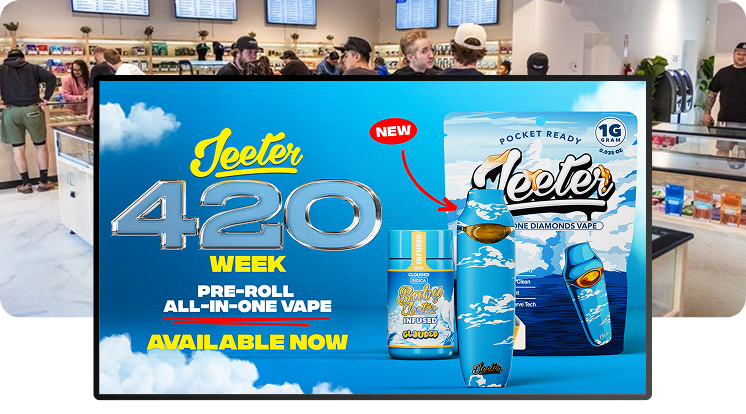
TV menu signage
Menu walls that read from Meadow. Prices, stock status, and specials update themselves.
Learn more →Self-service kiosks
Seed Touch kiosks on the same live feed. White-label, and checkout asks for first name, last name, and phone number.
Learn more →TV queue board
Put the line on screen: next up and order ready, so the room runs itself.
Learn more →Specials and promos
The deal you set in Meadow is the deal on every screen. Feature it bigger with Seed campaign tools.
Learn more →How the sync layer works, what updates, and how fast: POS sync.
Meadow questions, answered
What digital signage works with Meadow?
Does Seed work with Meadow?
We sell in-store, online, and for delivery through Meadow. What do my screens show?
Do Seed kiosks work with Meadow?
Can I show the deals I run in Meadow?
Do I need to buy new TVs or special hardware?
How long does it take to go live?
Does Seed cost extra per screen?
Trusted by dispensaries across the country, from MSOs to mom-and-pops













GET STARTED
Ready to create the dispensary of your dreams?
Schedule a demo to discuss how our digital signage can be customized to power your perfect store.